SotiDo | Play
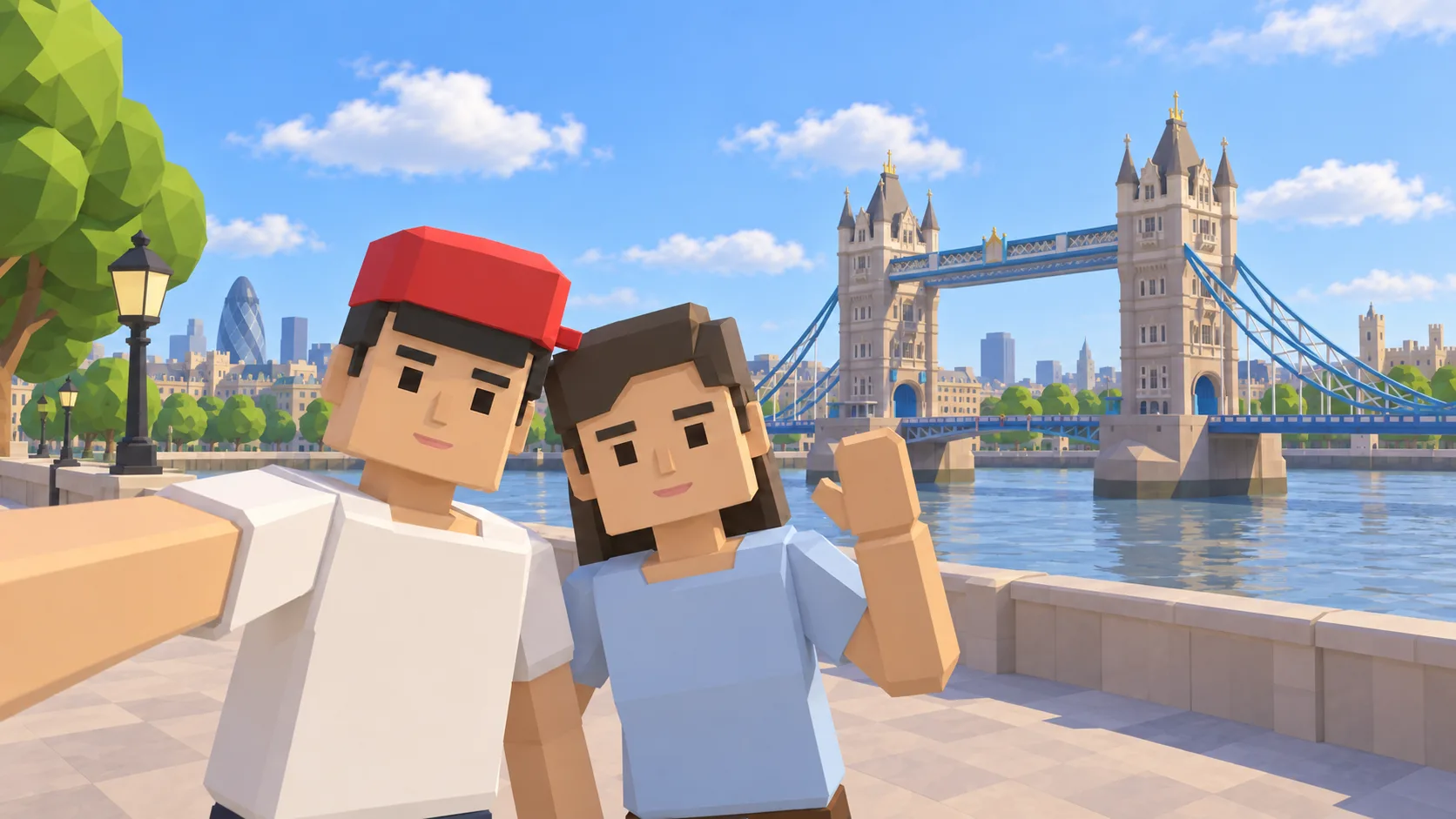
Your city. A new world to explore.
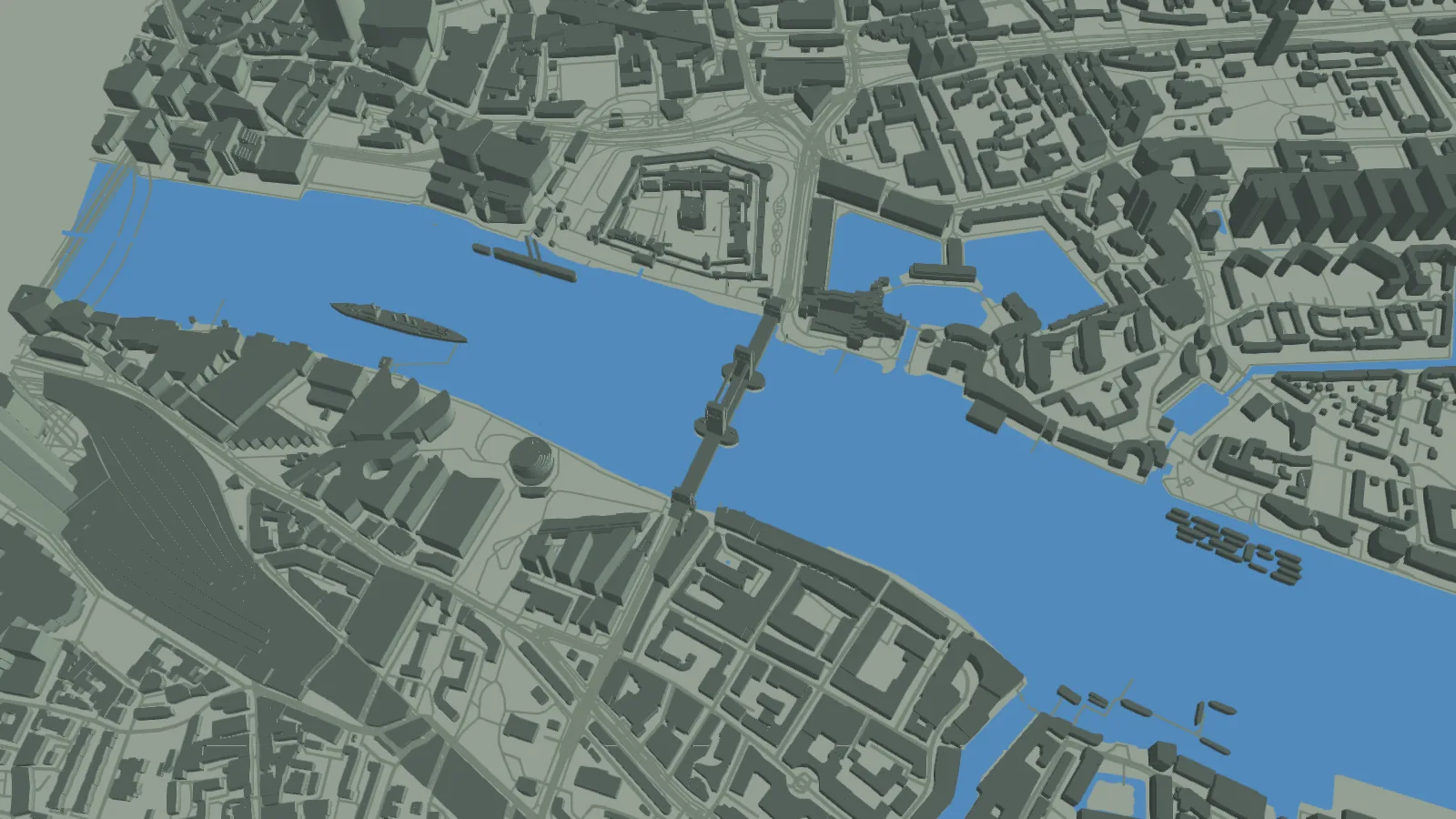
Choose a place on the Play globe, then enter Explore, Training, Waves, or Online without leaving SotiDo.
- Explore the mapped world at your own pace.
- Train locally or start Waves with friends when the selected zone is ready.
- Join Online Main where an official room is available.
Mode availability follows the selected zone, account access, graphics support, and server readiness.
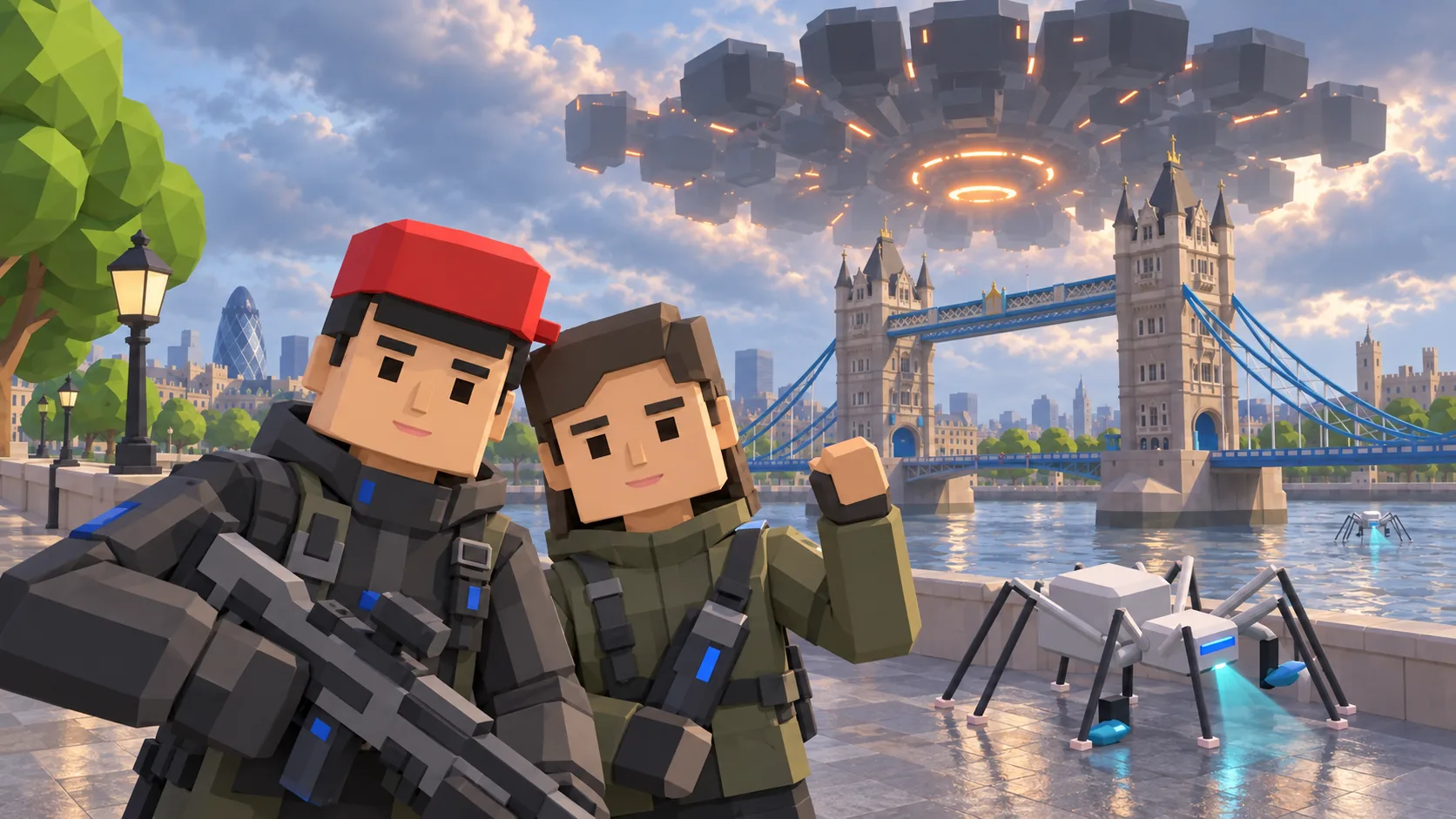
A familiar city. An unfamiliar presence.
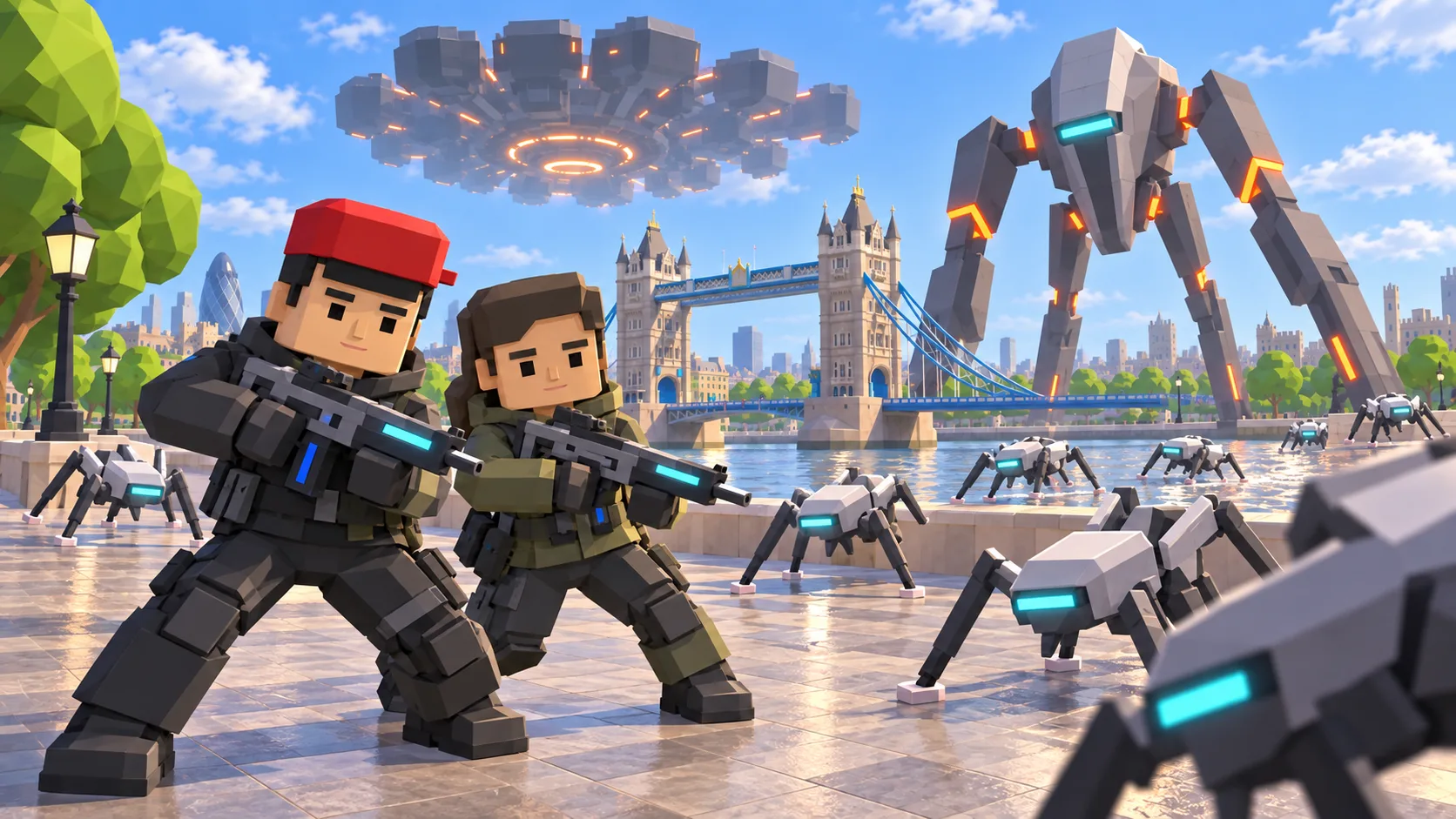
Recognizable streets and buildings meet alien technology. In gameplay modes, explore with a cybernetic companion, manage Energy and find your position among buildings and cybernetic creatures. Explore offers a calmer way to get to know the mapped city.
Choose how you want to play
From the globe to the streets
- Open SotiDo | Play: the globe starts at the place shown in the gallery. You can choose another area.
- Pick an available mode for that zone. Start with Explore to learn your surroundings.
- Enter the scene, learn the controls and use an invitation or an available room to play together.
Questions about the game
Does Training save my progress?
No. Training lets you practice locally; its captures, rewards and state are not saved as Online progress.
Why can a mode be unavailable?
The selected zone, account access and available rooms matter. Explore supports compatible WebGL2 browsers; Training, Waves and Online require WebGPU.
Do I need to set up a calendar first?
No. You can open the game directly. Calendar and Play are parts of SotiDo and use the same account.