Amsterdam game
Explore Amsterdam in SotiDo | Play
See the Damrak waterfront in the SotiDo | Play visual style and in an actual Globe capture, then begin exploring central Amsterdam.
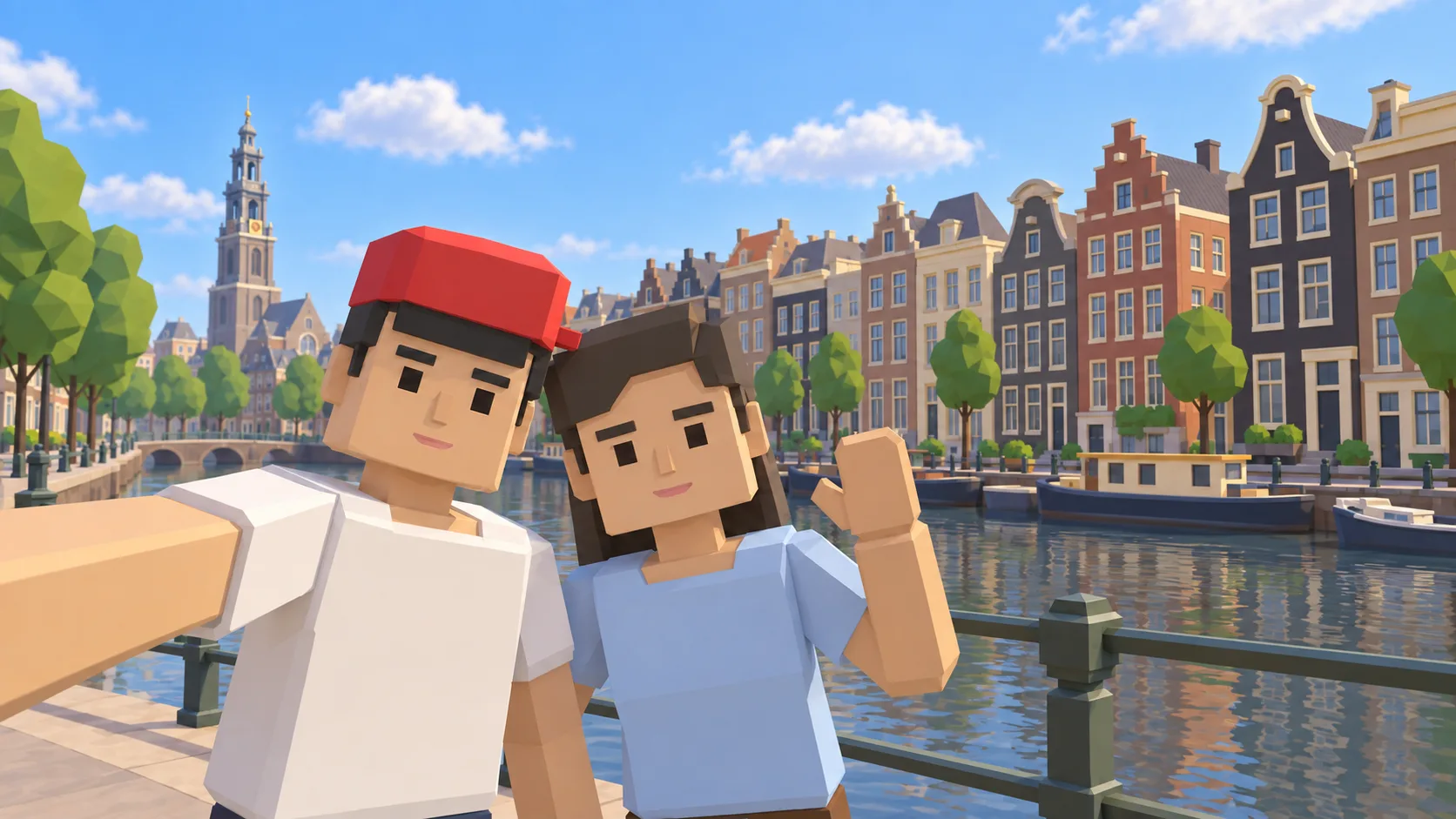
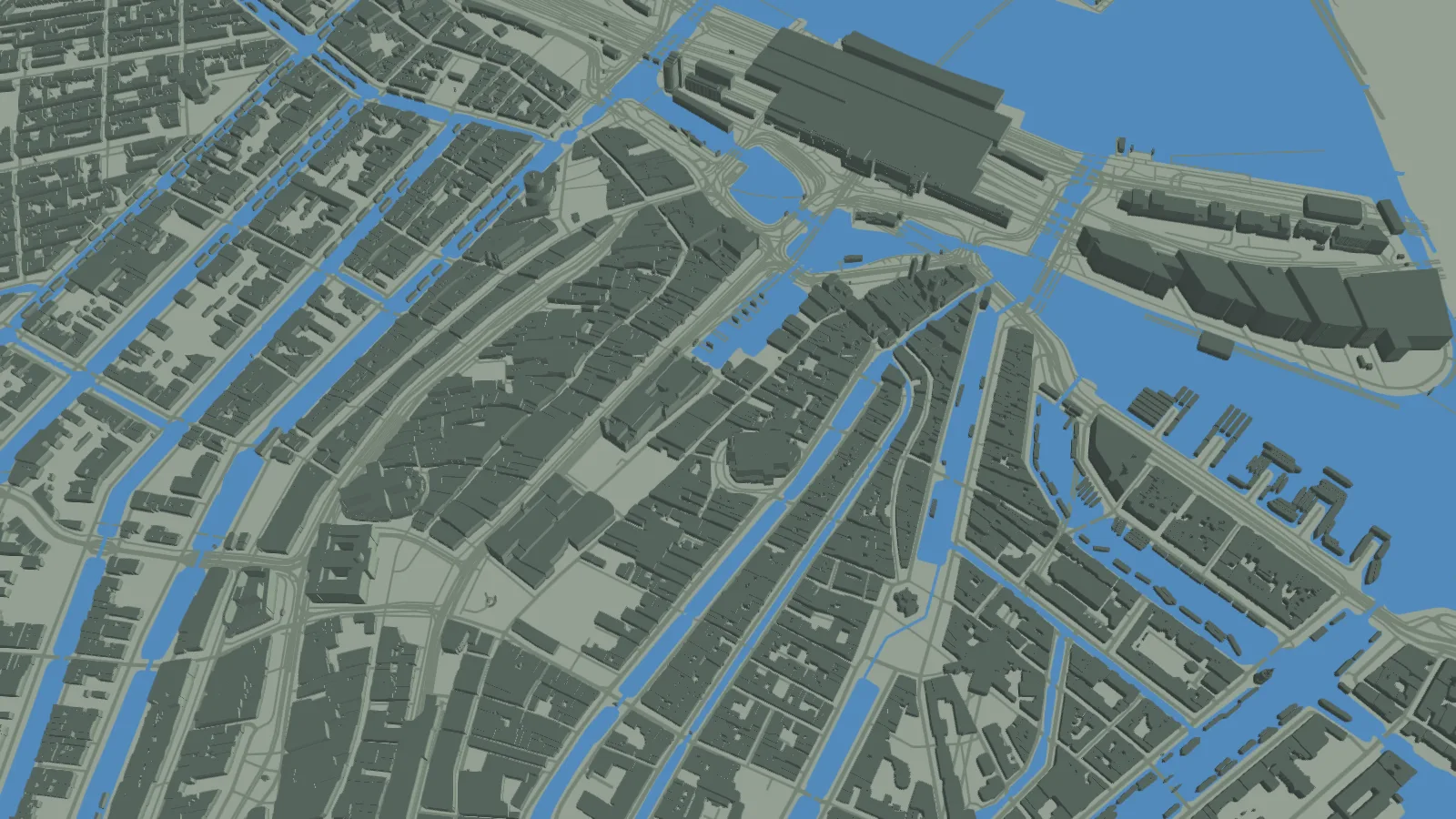
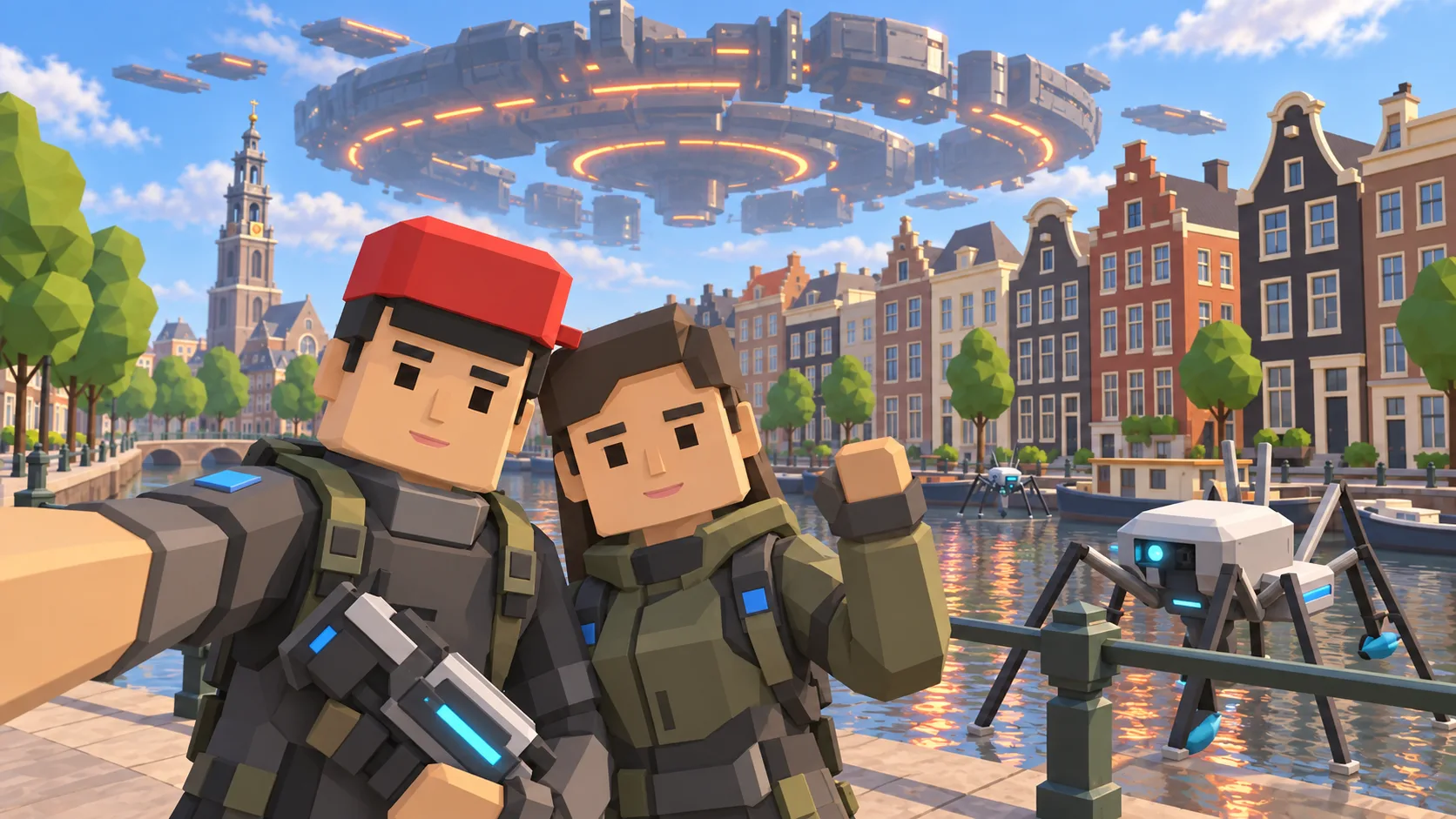
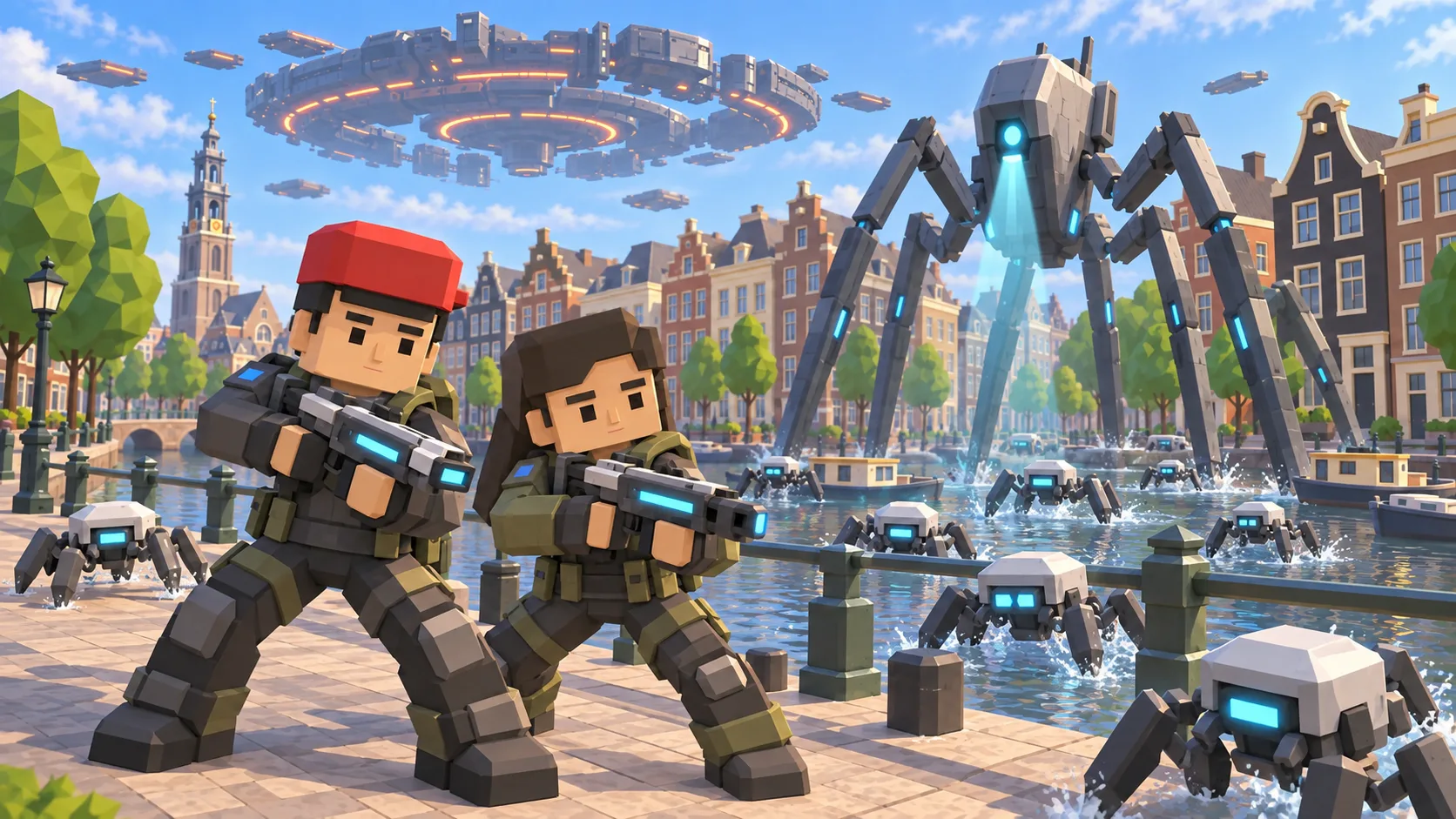
For Amsterdam, the gallery separates a friendly illustration, an actual SotiDo Globe capture, an Online lore illustration and a Waves illustration. The three illustrated scenes are not gameplay screenshots.
Explore the Damrak waterfront
The initial Amsterdam camera is placed over Damrak, close to the registered Dam Square city zone. The runtime decides whether the official marker and an Online room are available.
- Use the water edge and narrow building blocks to identify Damrak.
- Move toward Dam Square or continue along the mapped canal network.
- Open Online only through a validated published system-zone marker.
An Amsterdam exploration game along Damrak
This Amsterdam game guide follows Damrak from the waterfront into the canal city on SotiDo’s real-world 3D map. Its gallery gives recognizable visual context before the game opens at the same central Amsterdam camera position.
Follow Damrak from water to square
Damrak provides a compact route between the waterfront and Dam Square. Use the water edge and narrow building blocks to keep direction, then branch toward the canal network after reaching the square.
- Begin on the Damrak focus represented by the actual Globe capture.
- Move toward Dam Square while comparing the water edge with the street blocks.
- Choose a nearby canal direction, then return through Damrak to recover the starting point.
Choose how to enter Amsterdam
At Amsterdam, Explore fits a Damrak-to-canal walk with frequent changes of direction. Training and Waves remain conditional options that Play displays only for compatible Amsterdam area and device state.
Amsterdam has a registered Dam Square system-zone marker. Online Main appears only when the published directory also reports a currently available official room.
Open the Amsterdam starting point
- Open the lightweight Amsterdam guide and review its four clearly labelled images.
- Choose “Open Amsterdam in SotiDo | Play” to load the Play globe at this location.
- For Amsterdam, select Explore, Training, Waves or Online from the Play controls; no mode starts automatically.
Amsterdam Play questions
What Amsterdam route does this guide suggest?
It starts around Damrak, leads toward Dam Square and then opens into the central canal network.
Which Amsterdam image comes directly from SotiDo Globe?
The Globe image is the actual browser capture; the selfie, Online lore and Waves images are explicitly labelled art.
Is the Amsterdam Online room part of the static page?
No. The static page knows the zone reference, while Play obtains current room availability from its live directory.