London game
Explore London in SotiDo | Play
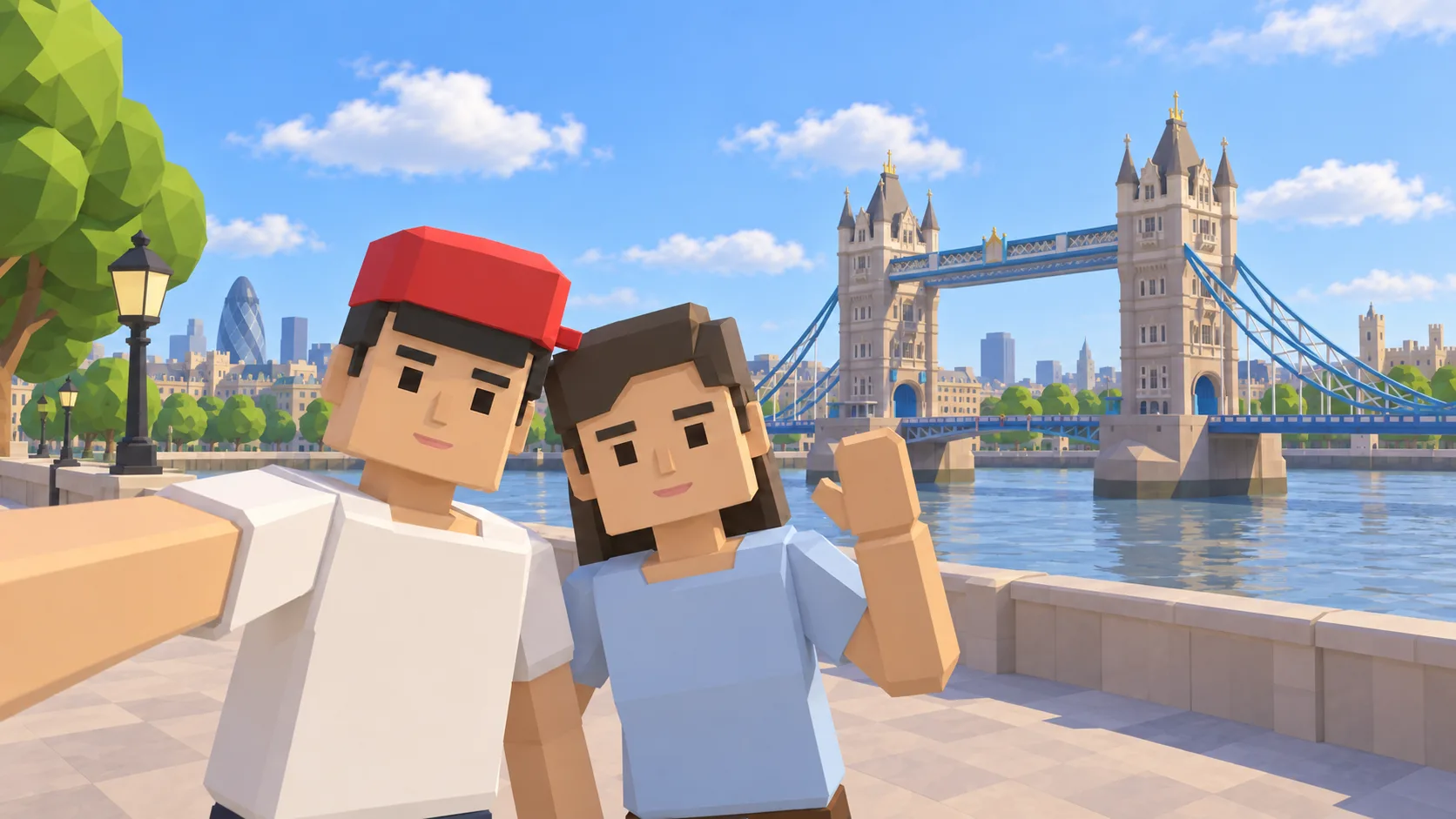
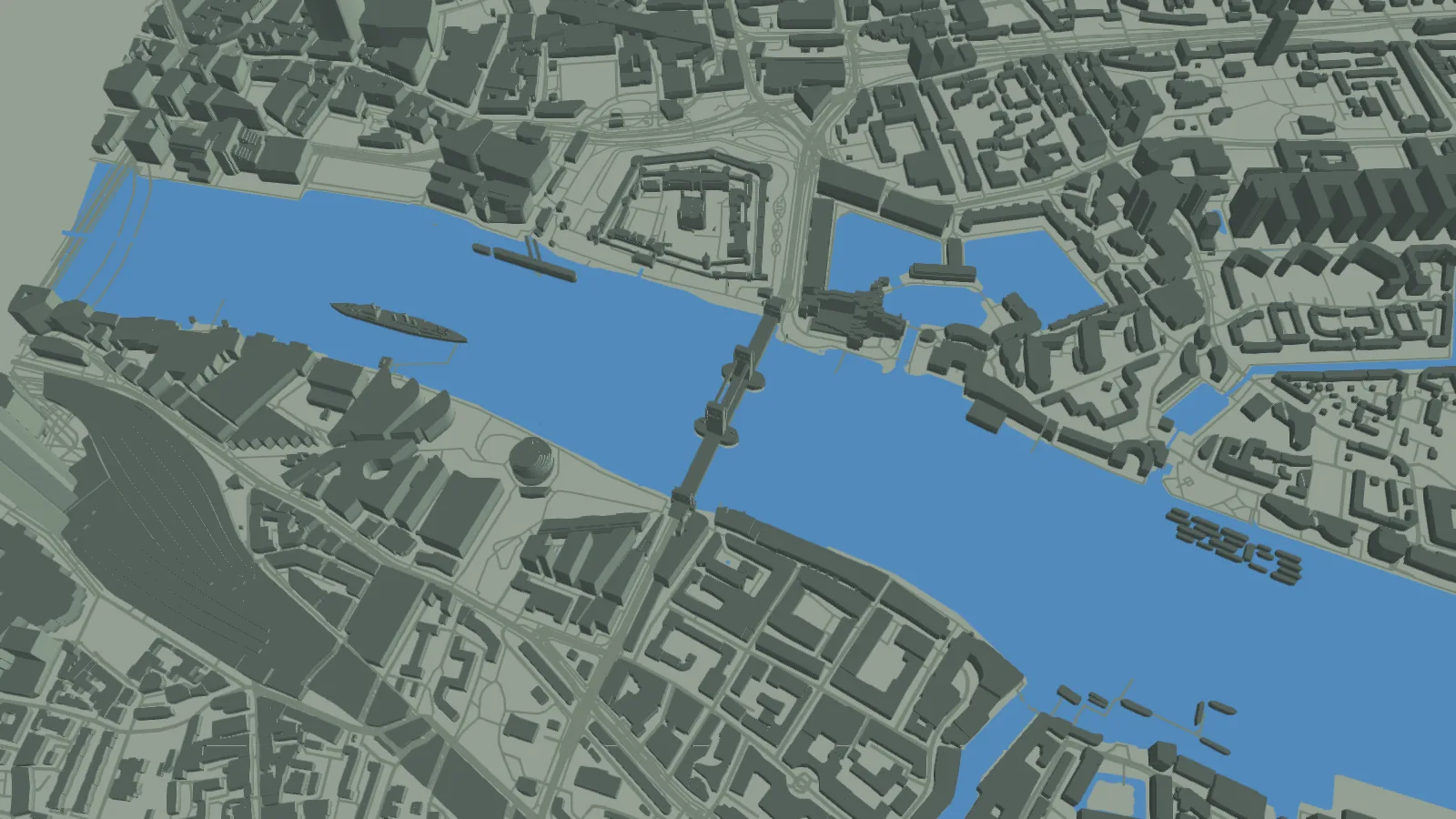
Start above the Thames beside Tower Bridge, inspect the real SotiDo Globe capture, and enter the same London map area without searching for it again.
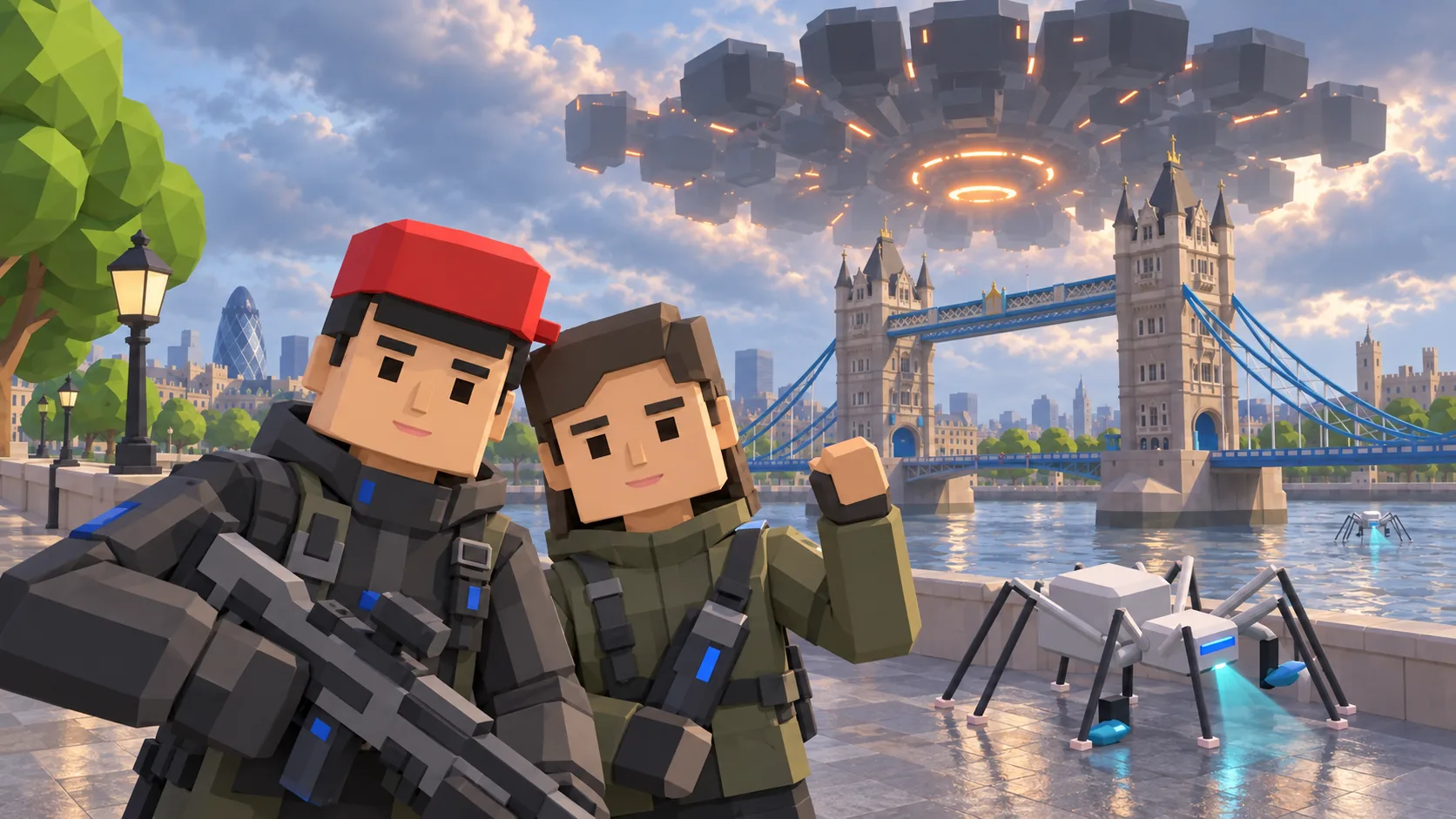
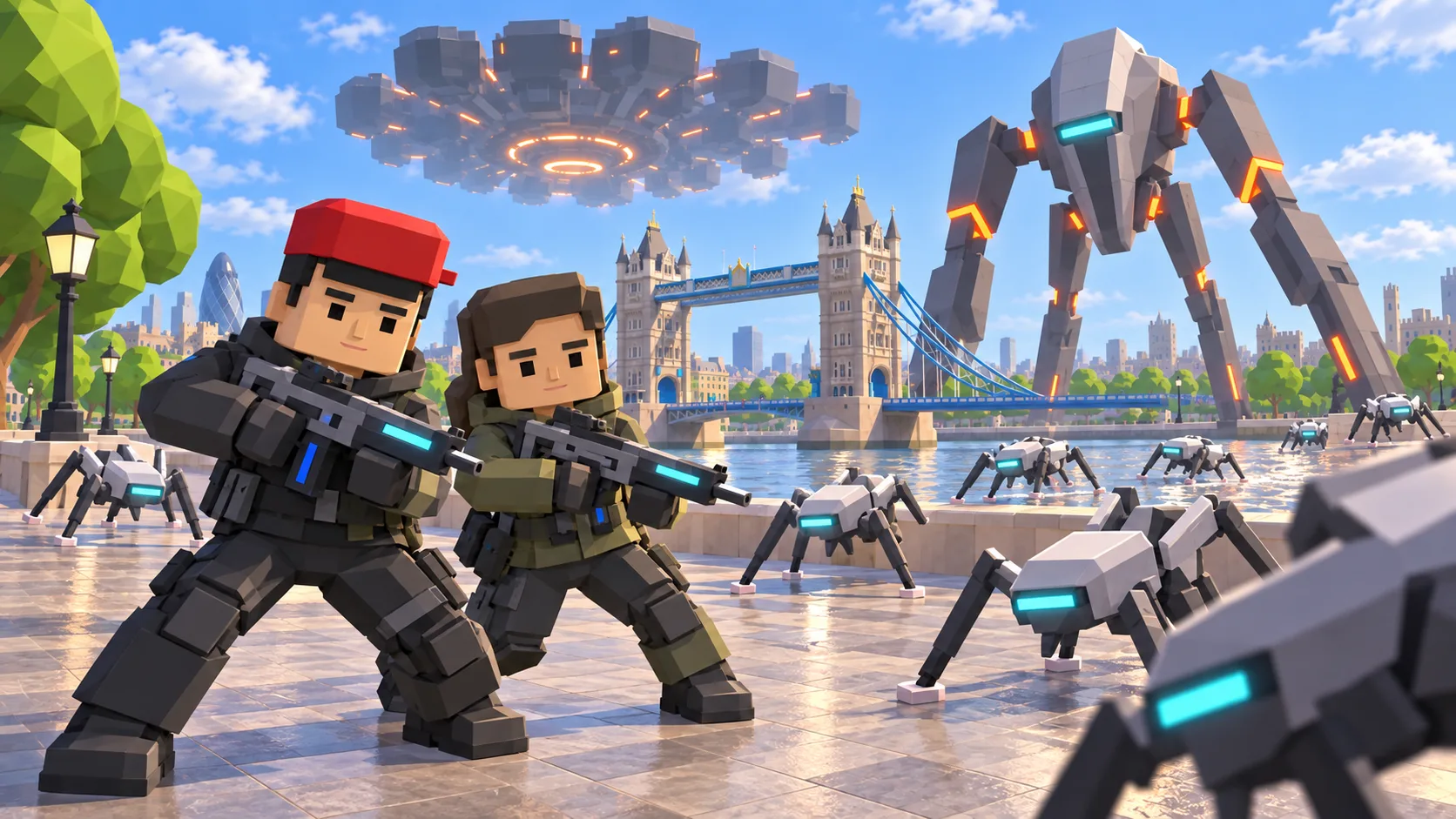
For London, the gallery separates a friendly illustration, an actual SotiDo Globe capture, an Online lore illustration and a Waves illustration. The three illustrated scenes are not gameplay screenshots.
Explore Tower Bridge and the Thames
The current London gallery begins at Tower Bridge on the south bank. The page keeps that riverside starting point separate from any official Online Main zone that may appear elsewhere in central London.
- Use Tower Bridge and the Thames to recognize the starting camera position.
- Continue across the mapped London street and building geometry after the globe opens.
- Look for an official city marker in Play before treating an area as an Online Main zone.
A London exploration game beside Tower Bridge
This London game guide uses Tower Bridge and the Thames to anchor a location-based journey through SotiDo’s 3D world. Review the landmark scene and actual Globe capture, then open the matching London map position for Explore, Training or Waves.
Use the Thames to cross London
Tower Bridge and the Thames provide a simple orientation pair. Start at the bridge, follow the riverbank in either direction, and cross between the north and south banks before widening the view.
- Identify Tower Bridge and the river at the initial local zoom.
- Follow one bank, then recenter on the bridge before crossing to the other side.
- Pull back along the Thames to place the starting area within central London.
Choose how to enter London
At London, Explore is suited to following the Thames from the Tower Bridge focus. Training and Waves remain optional runtime choices and appear only when the selected London area and device support them.
This London guide does not declare an official system zone. Treat Online Main as available only if Play itself shows a published marker with a current official room.
Open the London starting point
- Open the lightweight London guide and review its four clearly labelled images.
- Choose “Open London in SotiDo | Play” to load the Play globe at this location.
- For London, select Explore, Training, Waves or Online from the Play controls; no mode starts automatically.
London Play questions
Which London landmark anchors the link?
Tower Bridge anchors the saved camera position, with the Thames providing the easiest direction cue.
Does the guide preload London tiles?
No. The static page shows prepared images; the globe and current tiles load only after you choose the open action.
Is London an official Online Main zone here?
No zone is claimed by this guide. Any future Online option must come from a marker and room state shown inside Play.