Paris game
Explore Paris in SotiDo | Play
Preview the Eiffel Tower area through an illustrated scene and an actual SotiDo Globe capture, then enter Paris at the same map focus.
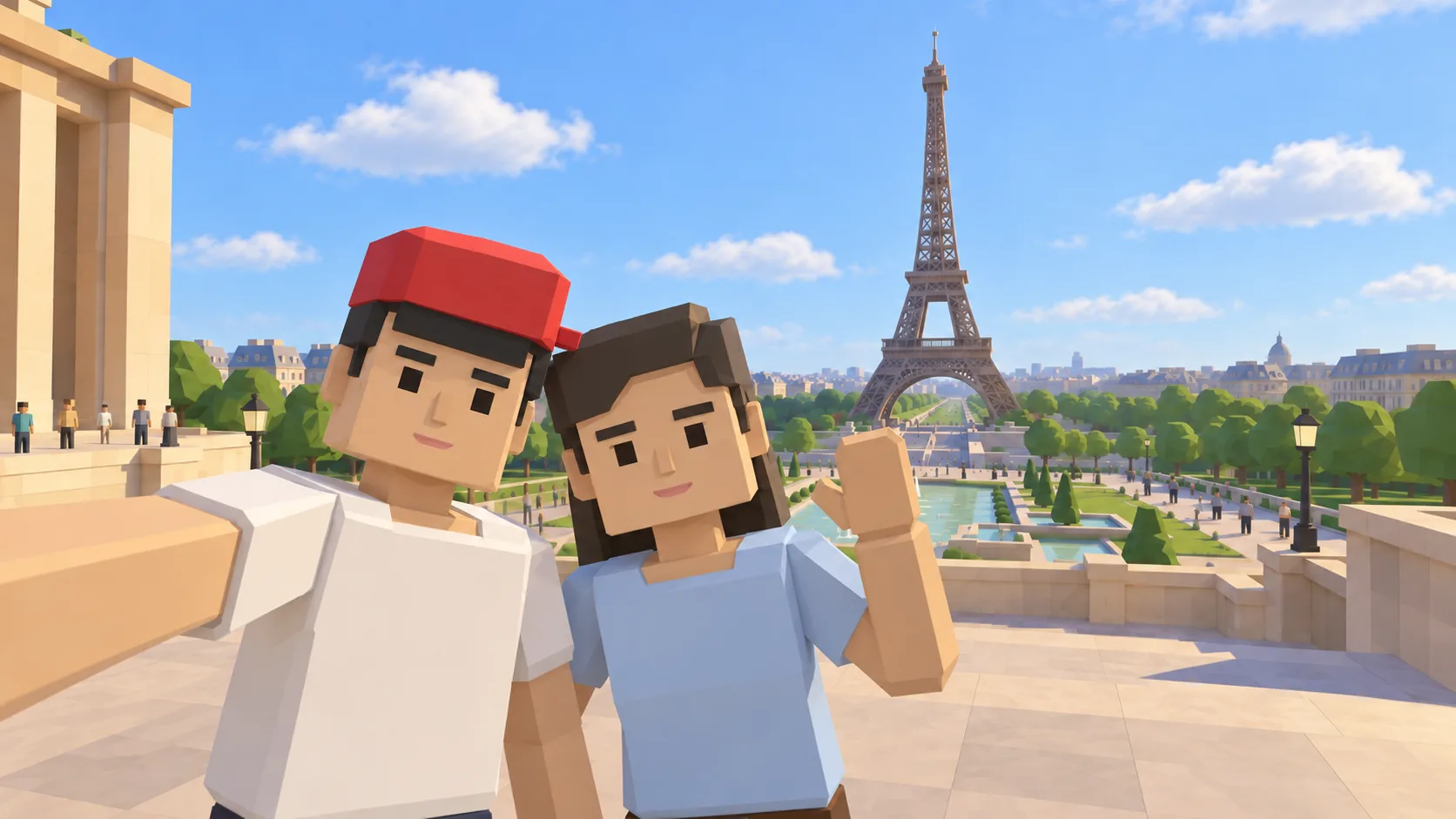
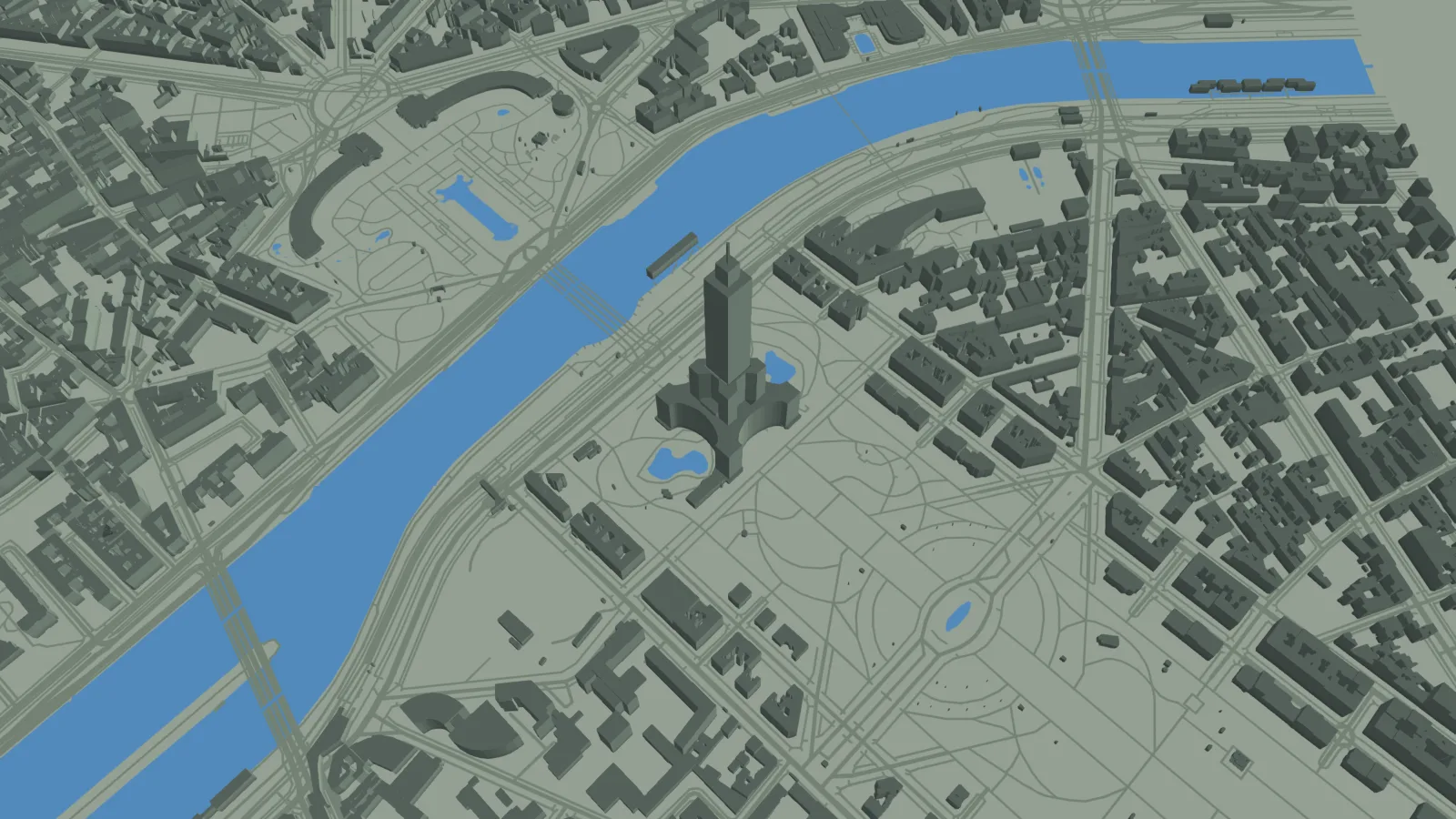
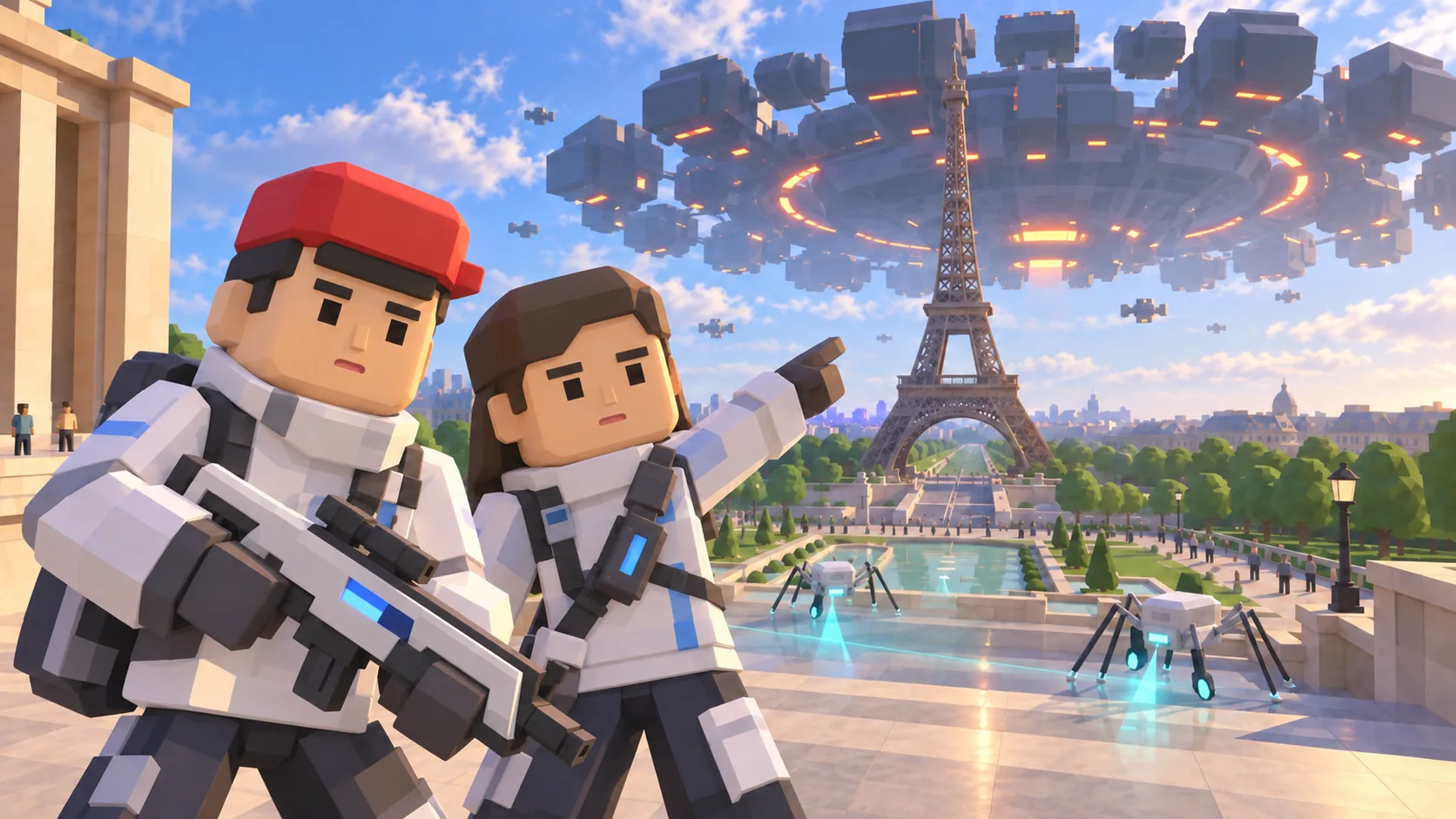
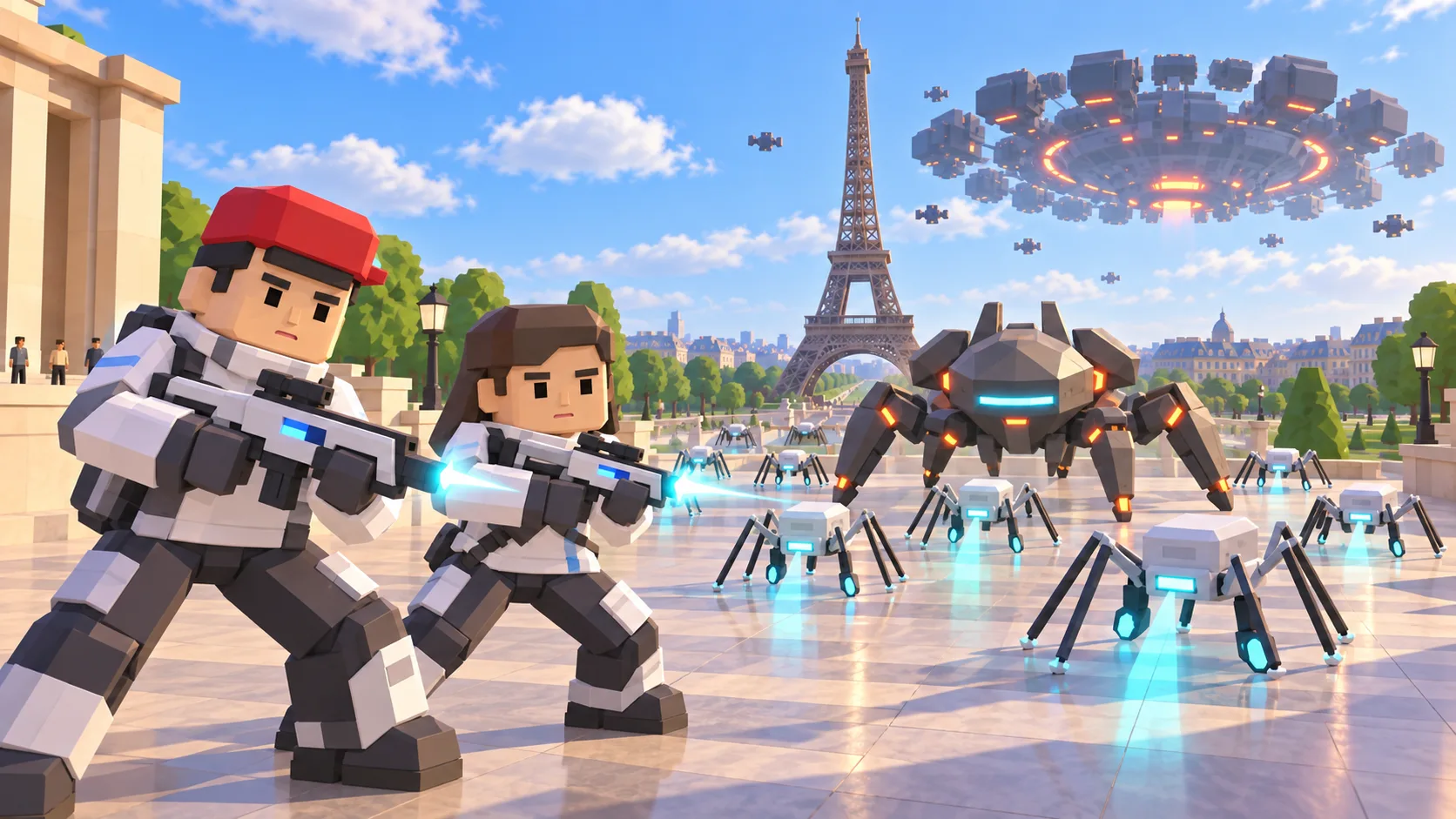
For Paris, the gallery separates a friendly illustration, an actual SotiDo Globe capture, an Online lore illustration and a Waves illustration. The three illustrated scenes are not gameplay screenshots.
Explore the Eiffel Tower
The Paris entry is centered on the Eiffel Tower area. The destination matches a known system-zone anchor, while live Online availability still comes from the current official server directory.
- Open directly around the Eiffel Tower instead of starting from the whole planet.
- Compare the illustrative social scene with the actual browser-rendered geometry.
- Continue exploring Paris or choose another mode from the Play entry controls.
A Paris exploration game around the Eiffel Tower
This Paris game guide presents the Eiffel Tower area as a starting point on SotiDo’s real-world 3D map. The illustrated scene, Globe capture and Waves encounter show different ways to read the location before entering the same camera position.
Orient Paris by the tower, park and river
Use the Eiffel Tower footprint as the starting landmark, inspect the long axis of the Champ de Mars, and then turn toward the Seine. Those three shapes make it easier to recover your position after moving the camera.
- Begin at the Eiffel Tower focus shown by the actual Globe capture.
- Trace the Champ de Mars axis to understand the nearby street orientation.
- Move toward the Seine, then pull back to reveal more of western central Paris.
Choose how to enter Paris
At Paris, Explore lets you move from the Eiffel Tower toward the park and river without a fixed objective. Play offers Training or Waves only when those modes are compatible with the current area and device.
Paris has an Eiffel system-zone marker, but that marker alone does not mean a room is open. Online Main depends on a currently available official room in the published directory.
Open the Paris starting point
- Open the lightweight Paris guide and review its four clearly labelled images.
- Choose “Open Paris in SotiDo | Play” to load the Play globe at this location.
- For Paris, select Explore, Training, Waves or Online from the Play controls; no mode starts automatically.
Paris Play questions
Does the Paris link open at the Eiffel Tower?
Yes. It applies this guide’s Eiffel-area latitude, longitude and camera zoom to the normal Play globe.
Why do the Paris images look different from one another?
They serve different purposes: a friendly illustration, an actual Globe capture, and a clearly labelled lore illustration.
Can I enter Online from the Paris page at any time?
Only when the Play directory reports an available official room for the exact published Paris zone.