Rome game
Explore Rome in SotiDo | Play
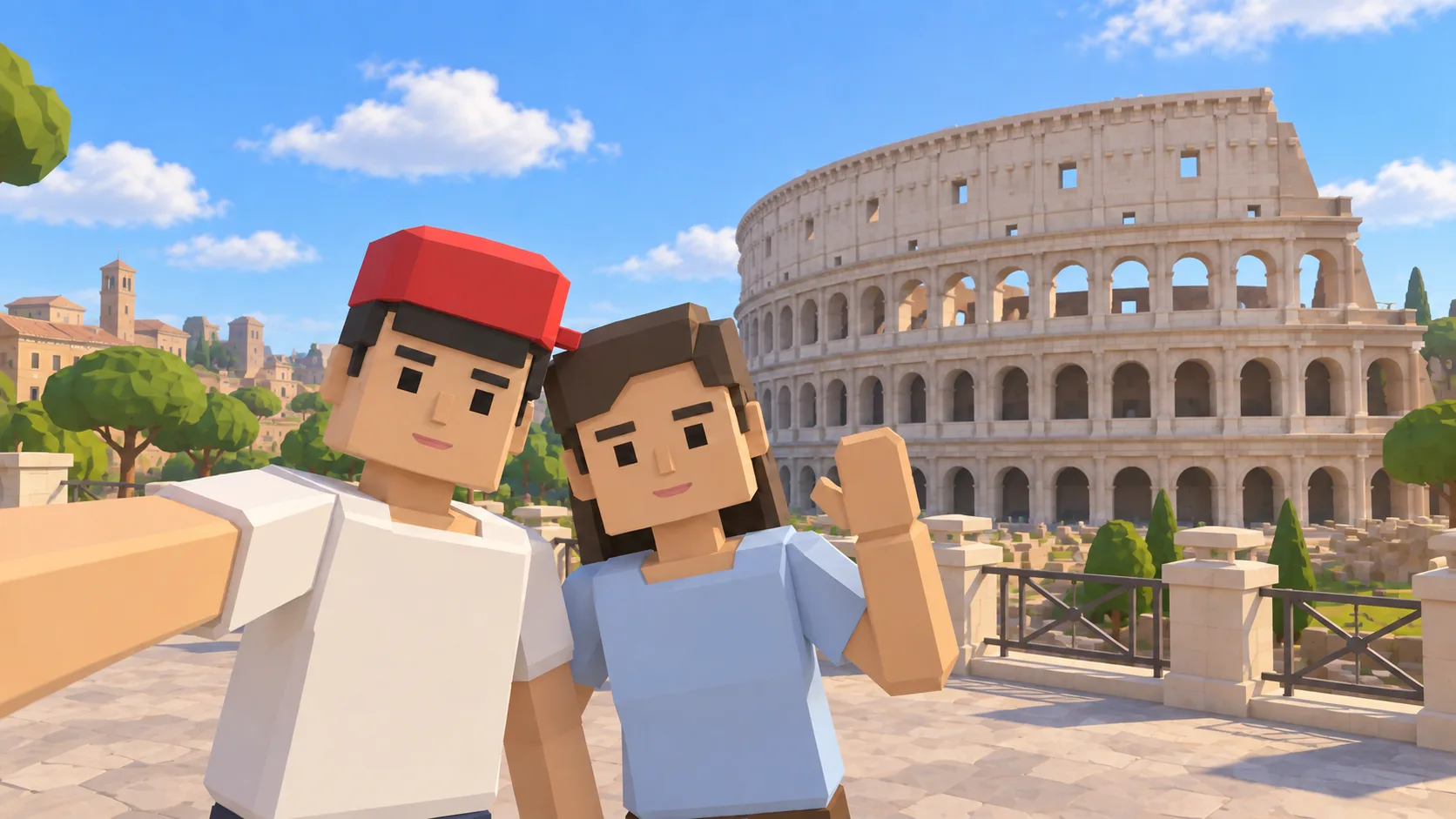
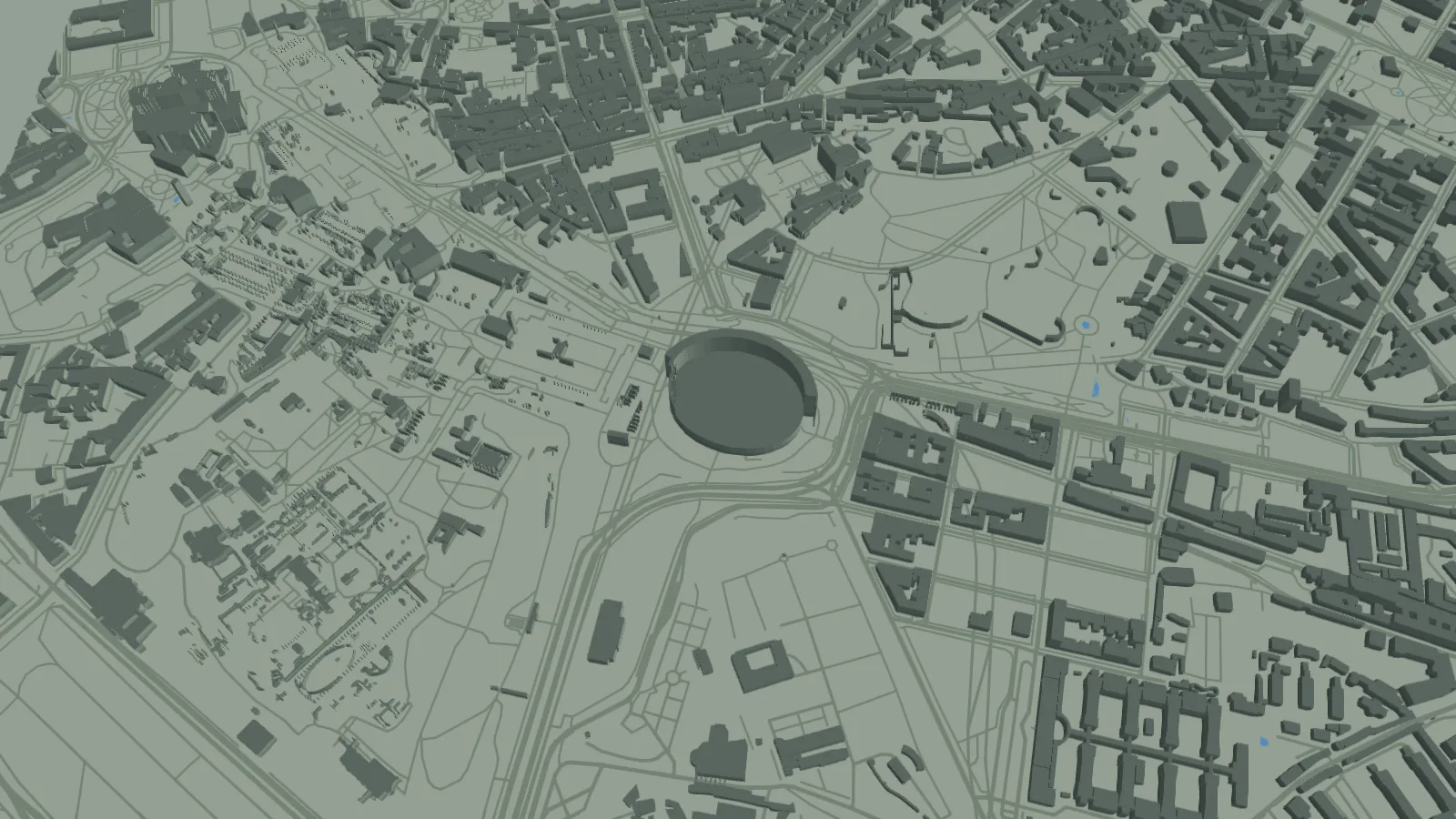
Open the Colosseum area on the SotiDo | Play globe after checking both the friendly illustration and the actual Rome map capture.
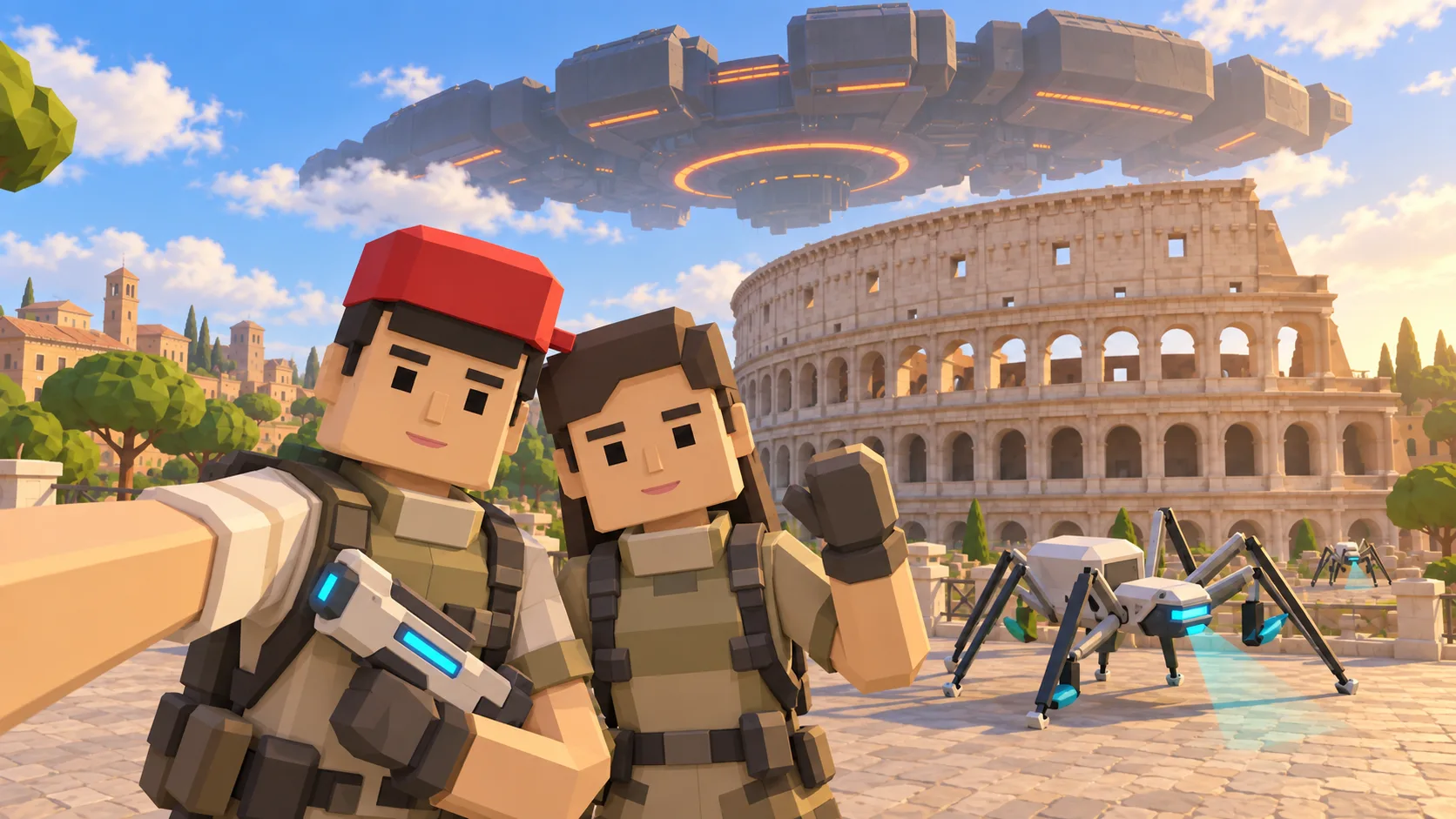
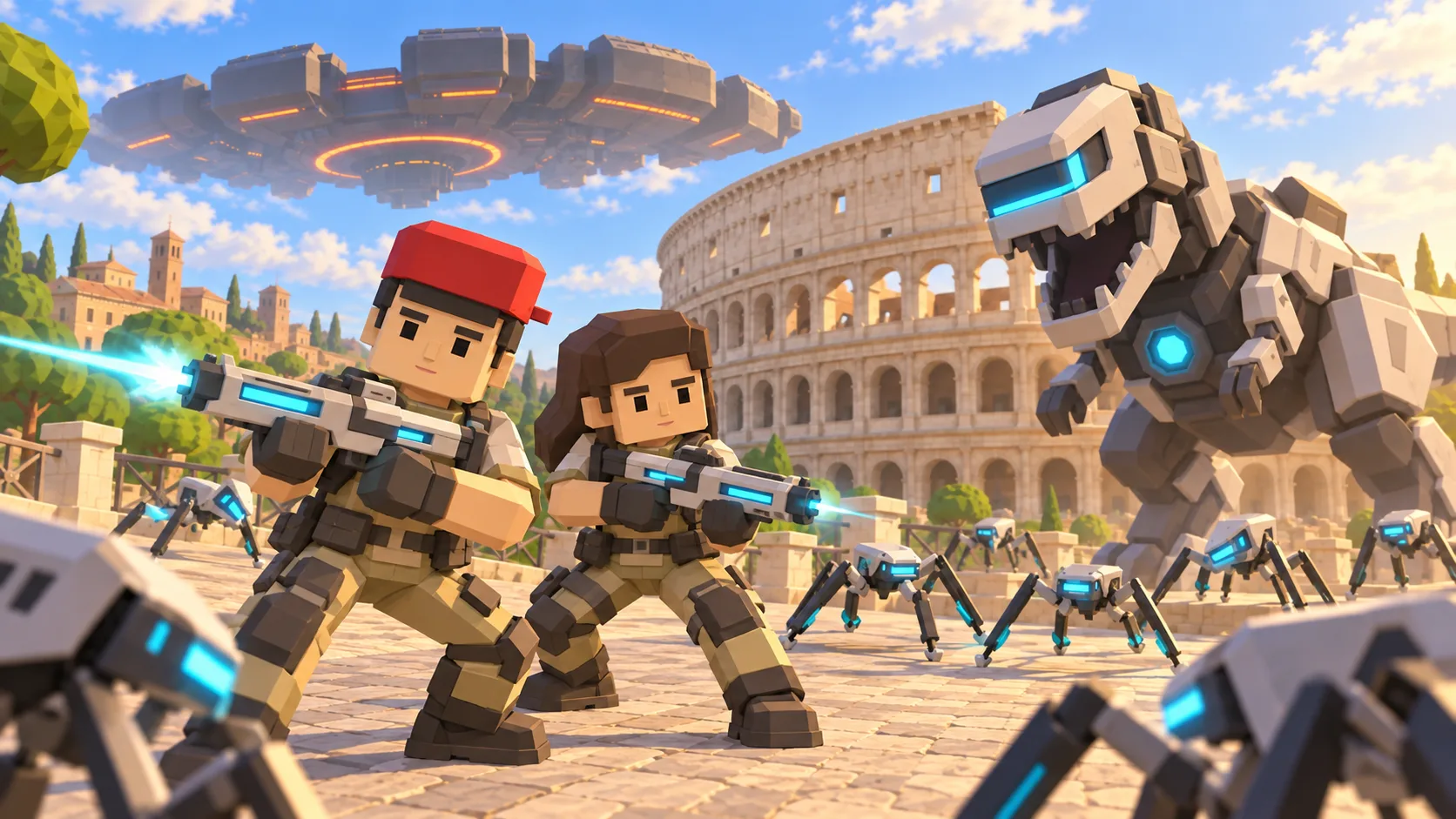
For Rome, the gallery separates a friendly illustration, an actual SotiDo Globe capture, an Online lore illustration and a Waves illustration. The three illustrated scenes are not gameplay screenshots.
Explore the Colosseum
The Rome destination is centered on the Colosseum and its nearby street geometry. Its configured system-zone reference identifies the place, while the live directory remains authoritative for Online Main.
- Start beside the Colosseum at a useful local camera distance.
- Use the amphitheatre footprint and surrounding roads to orient yourself.
- Keep navigating the globe after the initial Rome focus is applied.
A Rome exploration game around the Colosseum
This Rome game guide uses the Colosseum as the visual center of SotiDo’s real-world 3D map. The gallery separates an illustrated city scene, the actual Globe area and game-mode artwork before the direct link opens the same Rome location.
Use the Colosseum as the Rome compass
The oval Colosseum footprint is the easiest way to preserve orientation in this Rome view. Circle the amphitheatre, inspect the adjoining roads, and then extend the camera toward the Forum corridor.
- Begin with the Colosseum footprint centered at the stored zoom.
- Rotate or move around the surrounding roads while keeping the oval visible.
- Continue toward the Forum corridor before widening to a broader Rome view.
Choose how to enter Rome
At Rome, Explore makes the Colosseum-to-Forum route easy to follow at your own pace. Training or Waves appear only if Play confirms that the current Rome area and device can run them.
Rome has a registered Colosseum system-zone marker. A current official room is still required before Play exposes Online Main for that zone.
Open the Rome starting point
- Open the lightweight Rome guide and review its four clearly labelled images.
- Choose “Open Rome in SotiDo | Play” to load the Play globe at this location.
- For Rome, select Explore, Training, Waves or Online from the Play controls; no mode starts automatically.
Rome Play questions
Where in Rome does the action open?
It focuses the Play camera beside the Colosseum at the local zoom recorded in the destination registry.
What does the Rome Globe capture prove?
It shows the browser renderer at the saved coordinates; it does not claim that every illustrated object exists in gameplay.
Does a Rome system marker mean Online is always active?
No. The live directory must also report a currently available official room for the exact Colosseum zone.