Lisbon game
Explore Lisbon in SotiDo | Play
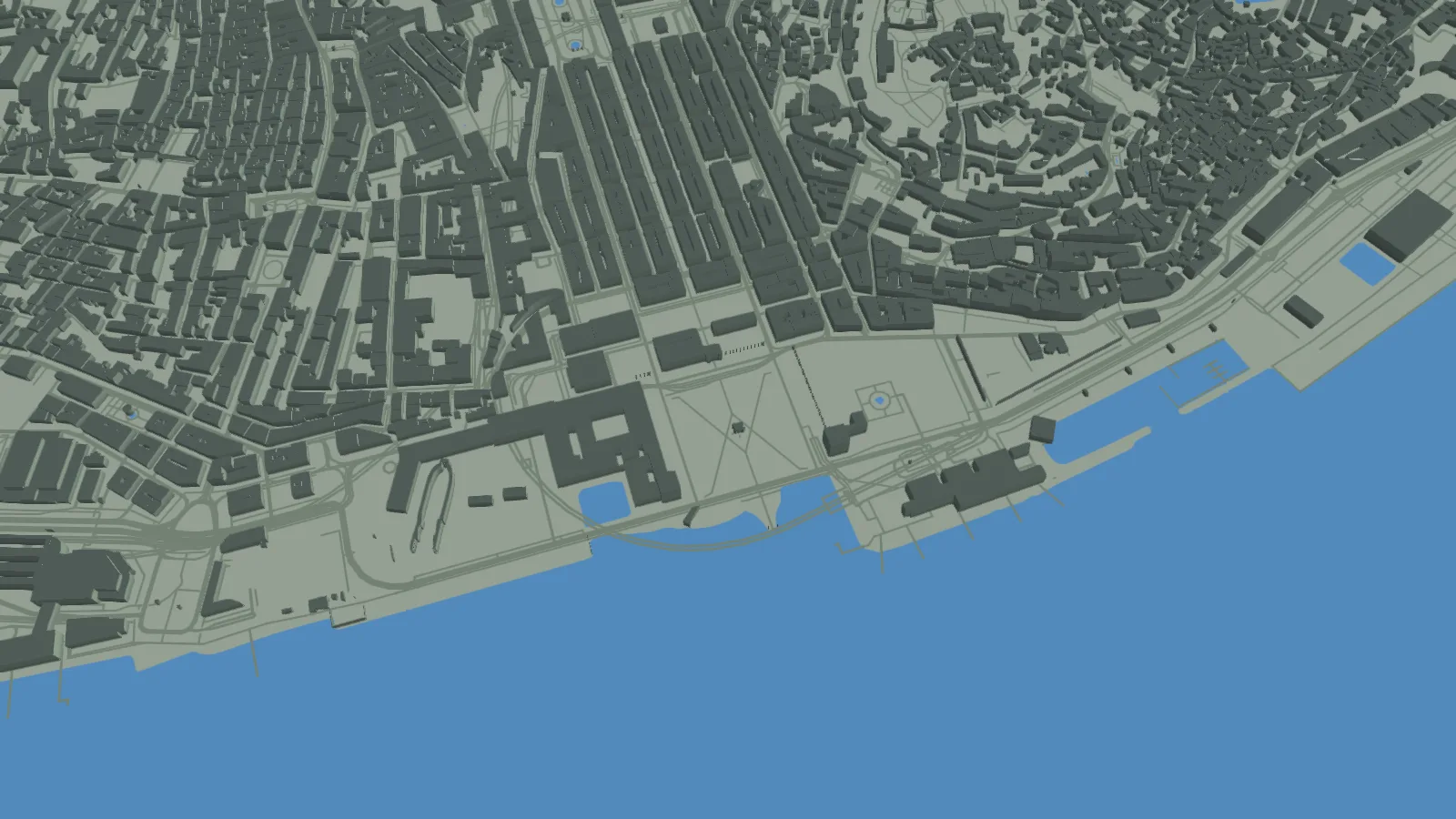
Begin at Praça do Comércio after previewing the Lisbon scene and the real SotiDo Globe capture used by this destination.
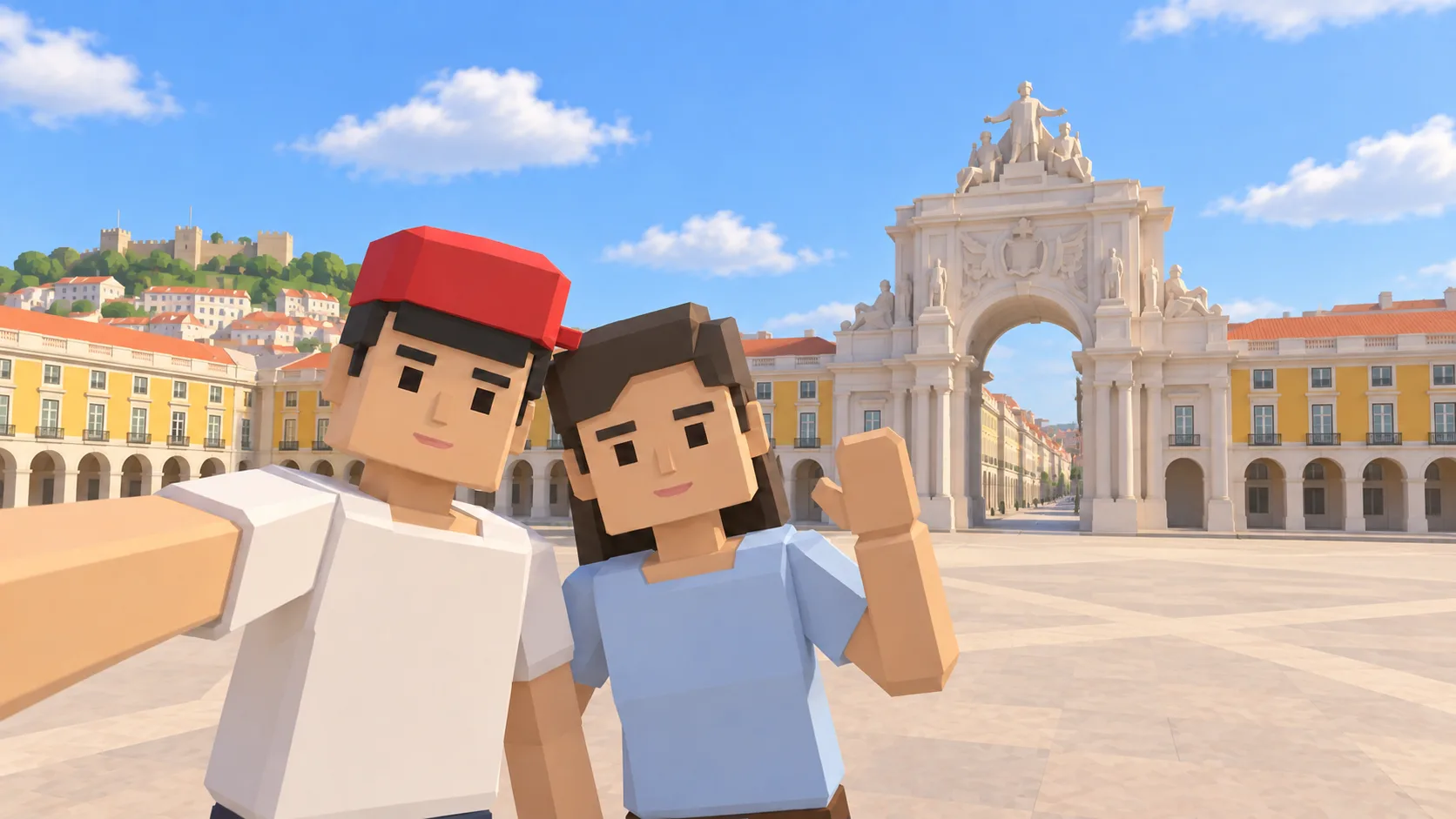
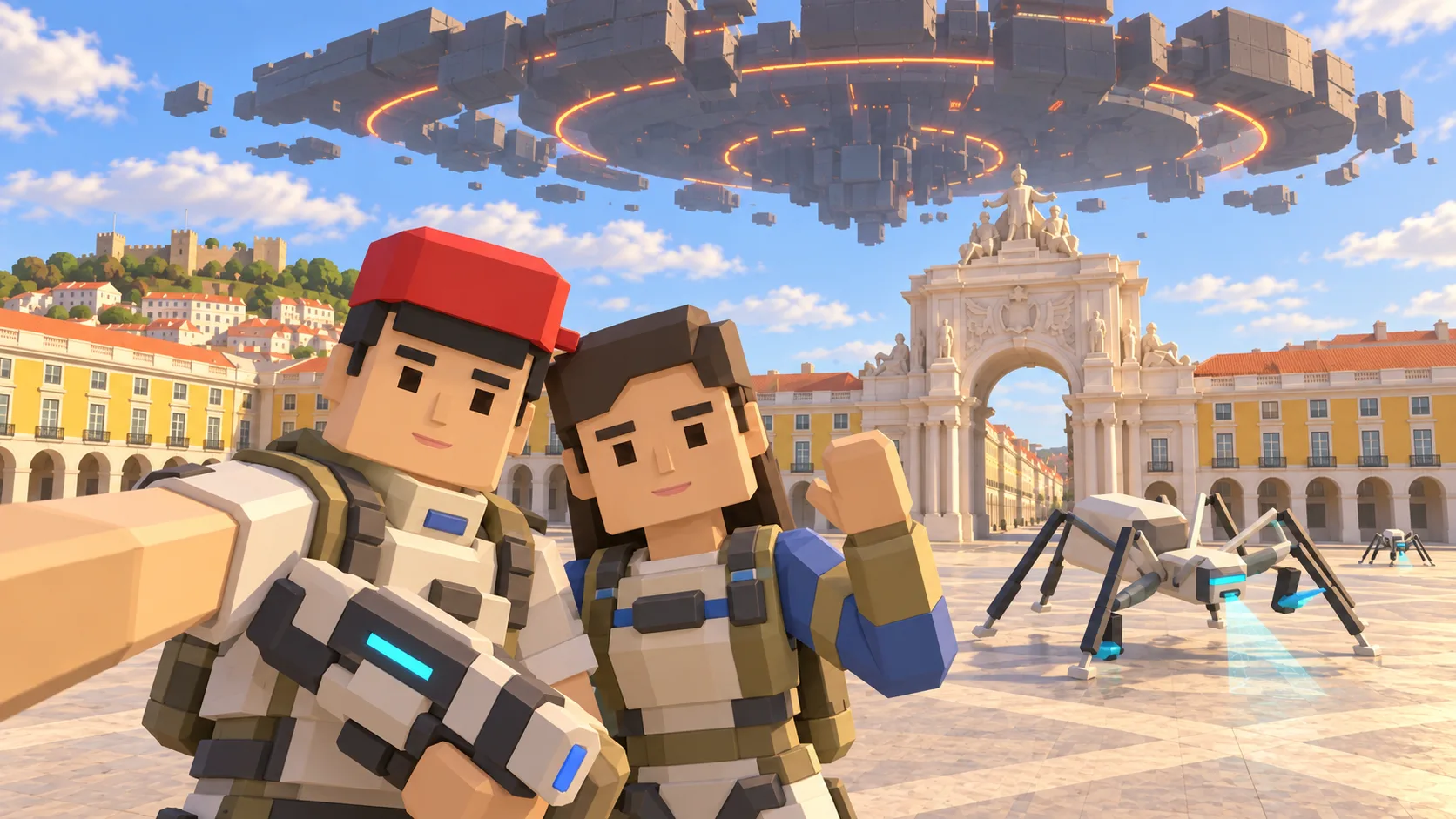
For Lisbon, the gallery separates a friendly illustration, an actual SotiDo Globe capture, an Online lore illustration and a Waves illustration. The three illustrated scenes are not gameplay screenshots.
Explore Praça do Comércio
Lisbon opens at Praça do Comércio near the Tagus waterfront. The stable place link supplies the starting camera while gameplay capability is checked only after entering Play.
- Recognize the broad riverfront square and surrounding street blocks.
- Start at local scale rather than searching from the global view.
- Continue to another Lisbon neighborhood after the initial focus.
A Lisbon exploration game around Praça do Comércio
This Lisbon game guide connects Praça do Comércio with the Tagus waterfront on SotiDo’s real-world 3D map. The location images establish the square and river before the direct action opens the corresponding Lisbon camera focus.
Connect Praça do Comércio with the Tagus
Praça do Comércio opens directly onto the Tagus waterfront and into the Baixa street grid. Use those three elements to move from the square into nearby blocks while keeping a simple route back.
- Begin over the broad riverfront square at the saved Lisbon coordinates.
- Follow the Baixa grid inland for several blocks without changing to a world-scale zoom.
- Return toward the Tagus edge and use the square to recenter the camera.
Choose how to enter Lisbon
At Lisbon, Explore works well for alternating between Praça do Comércio, Baixa and the waterfront. Training and Waves are offered only after Play validates the current Lisbon area and device.
Lisbon is a saved Globe camera destination without a declared official system zone. Any Online Main entry must be backed by a marker and an available room shown in Play.
Open the Lisbon starting point
- Open the lightweight Lisbon guide and review its four clearly labelled images.
- Choose “Open Lisbon in SotiDo | Play” to load the Play globe at this location.
- For Lisbon, select Explore, Training, Waves or Online from the Play controls; no mode starts automatically.
Lisbon Play questions
Where does the Lisbon destination focus?
It places the camera over Praça do Comércio beside the Tagus waterfront.
Why does the Lisbon page stay lightweight?
It serves static copy and prepared gallery images first, and loads the 3D globe only after the visitor chooses to enter.
Does Lisbon have a guaranteed official room?
No. This guide declares no system zone and relies on Play for any future Online availability.