Bali game
Explore Bali in SotiDo | Play
Start around Denpasar Puputan, compare an illustrated Bali scene with the actual SotiDo Globe, and open the Play camera at the registered Bali starting area.
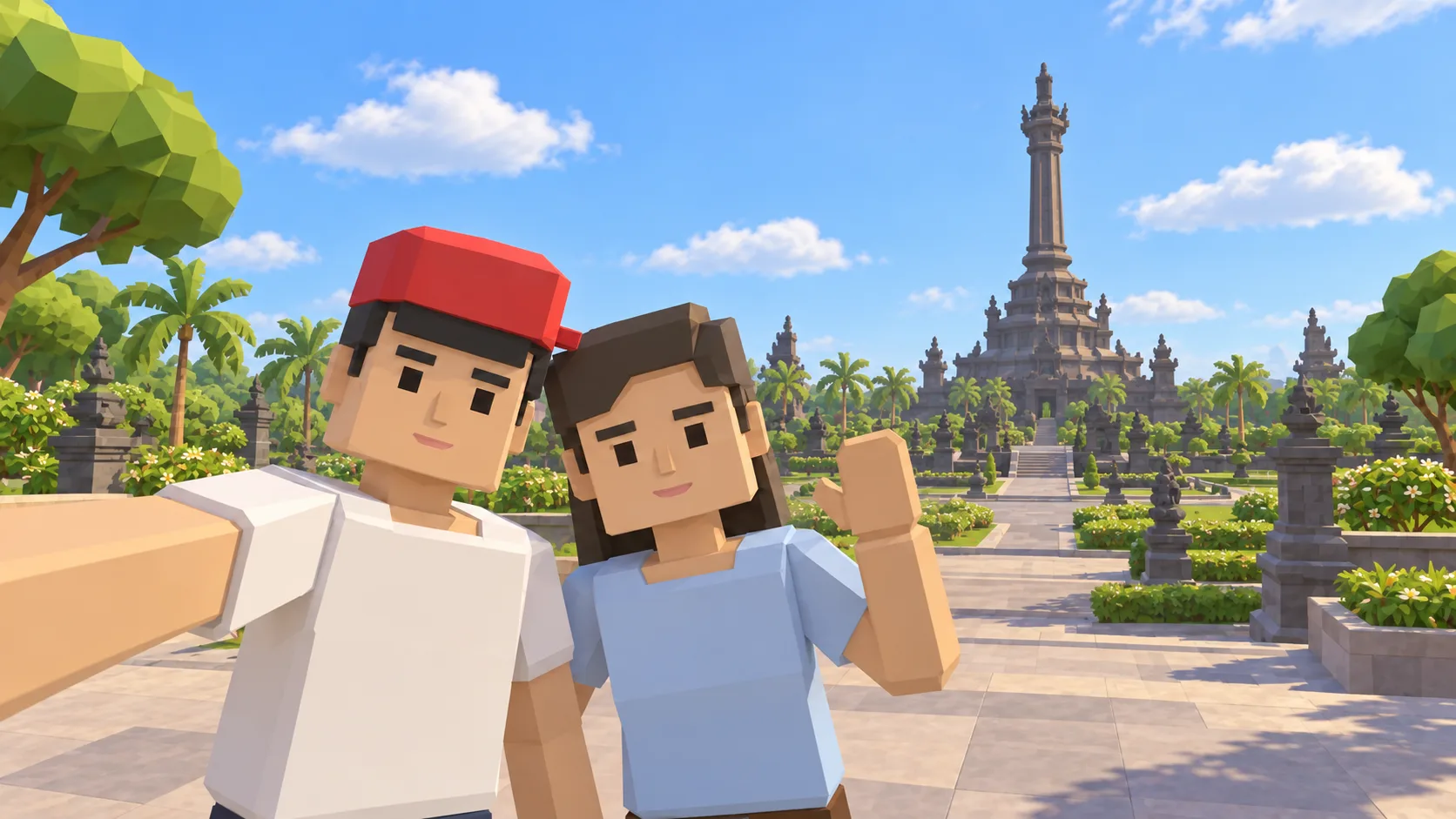
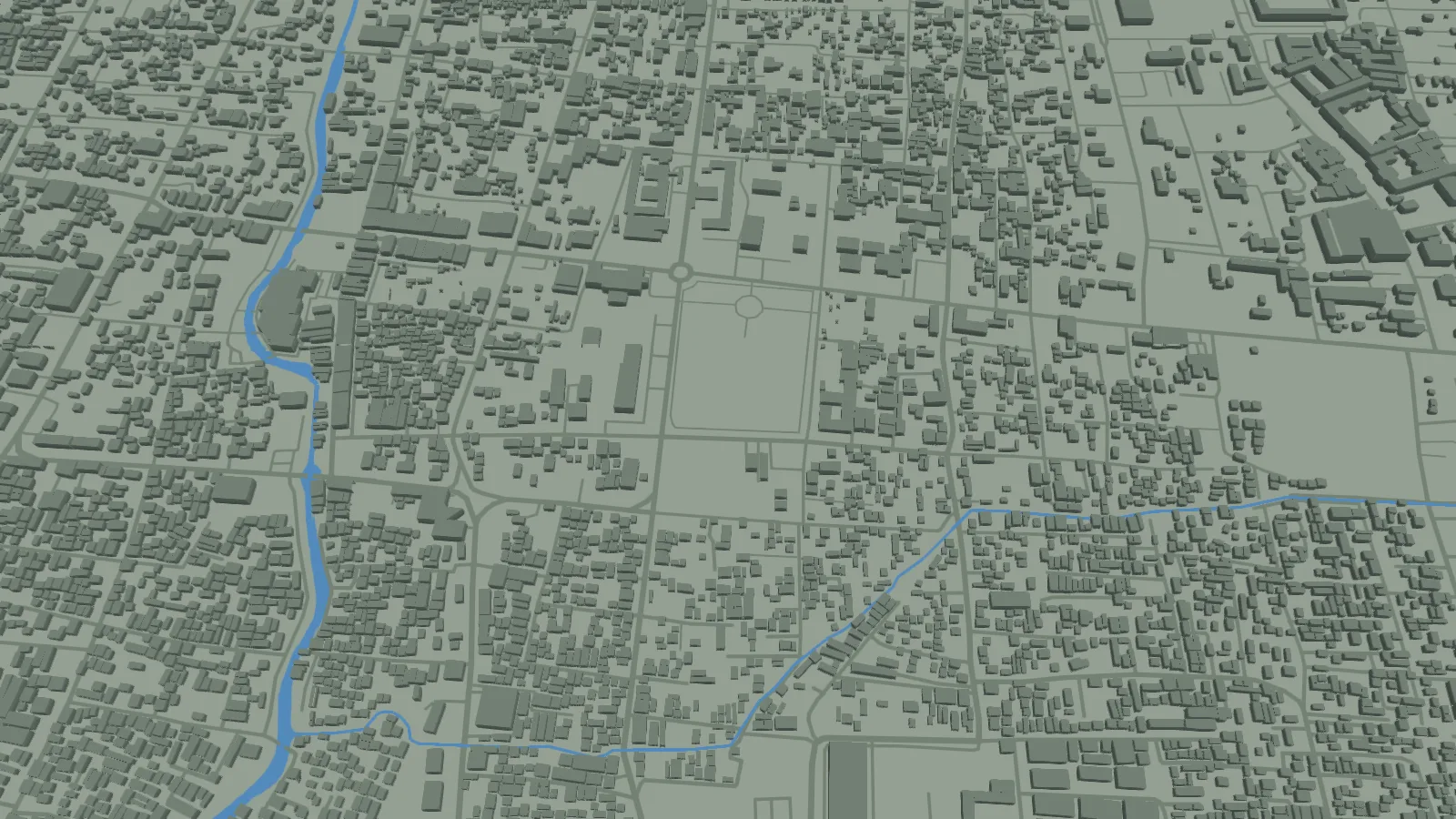
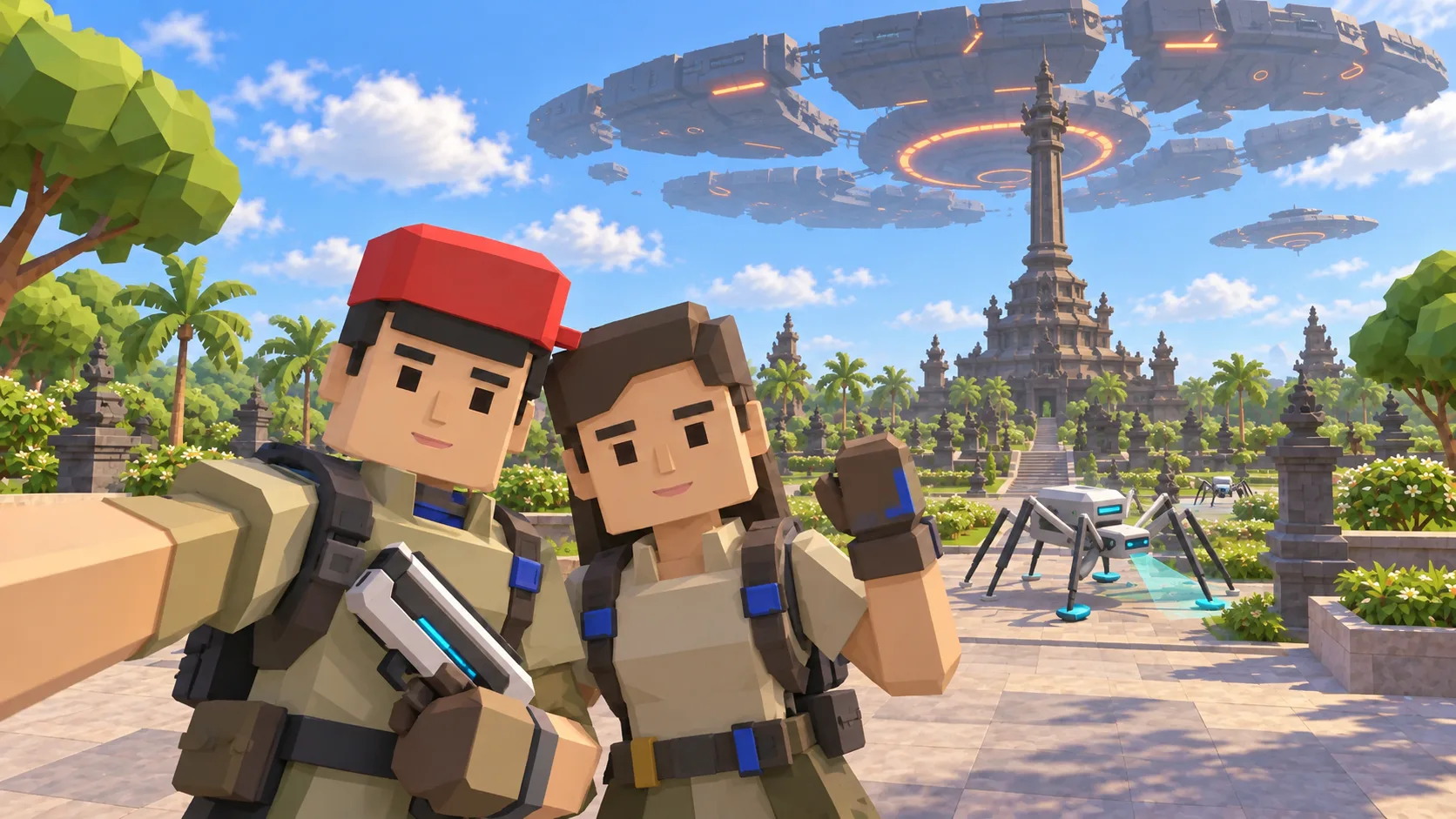
For Bali, the gallery separates a friendly illustration, an actual SotiDo Globe capture, an Online lore illustration and a Waves illustration. The three illustrated scenes are not gameplay screenshots.
Explore the Bali starting area
The Bali entry centers on Denpasar Puputan, the anchor registered for the Bali system zone. The first gallery image uses nearby Bali visual cues, the second shows the actual browser-rendered Globe at the entry coordinates, the third is a labelled lore illustration, and the fourth is a labelled Waves illustration.
- Start close to Denpasar Puputan instead of searching from the whole planet.
- Compare an explicitly illustrated Bali scene with the actual SotiDo Globe geometry.
- Choose among the modes the Play entry controls report as ready for this area and device.
A Bali exploration game on a real-world 3D map
This Bali game guide starts around Denpasar Puputan and connects the island setting with SotiDo’s location-based 3D world. Use the illustrated scene, actual Globe capture and Waves preview to understand the place before opening the same map area.
A short Denpasar Puputan route
Use Denpasar Puputan as a fixed orientation point, then widen the camera gradually to read the surrounding streets without losing the square. This is a suggested exploration path, not a scripted mission.
- Begin over the Puputan square and identify its open rectangular ground.
- Follow the blocks around the square before pulling back toward central Denpasar.
- Return to the registered marker whenever you want the original Bali camera focus.
Choose how to enter Bali
At Bali, Explore is the clearest way to inspect Denpasar Puputan at your own pace. Training or Waves appear only when the current device and selected area support them; the entry controls show the available choices before a mode starts.
Bali has a registered system-zone marker. An Online Main action appears only while the published directory also reports an available official room for that exact zone.
Open the Bali starting point
- Open the lightweight Bali guide and review its four clearly labelled images.
- Choose “Open Bali in SotiDo | Play” to load the Play globe at Denpasar Puputan.
- For Bali, select Explore, Training, Waves or Online from the Play controls; no mode starts automatically.
Bali Play questions
Where does the Bali link place the camera?
It focuses the registered Denpasar Puputan coordinates at a local city zoom; it does not start a game mode.
What should I compare in the Bali gallery?
The gallery contains a friendly illustration, the actual Globe capture around Puputan, a labelled lore illustration and a labelled Waves illustration.
Does the Bali marker guarantee an Online room?
No. The marker identifies the system zone, while current room availability comes separately from the live Play directory.