Dubai game
Explore Dubai in SotiDo | Play
Preview Downtown Dubai and Burj Khalifa, then open the SotiDo | Play globe at the same city-center camera focus.
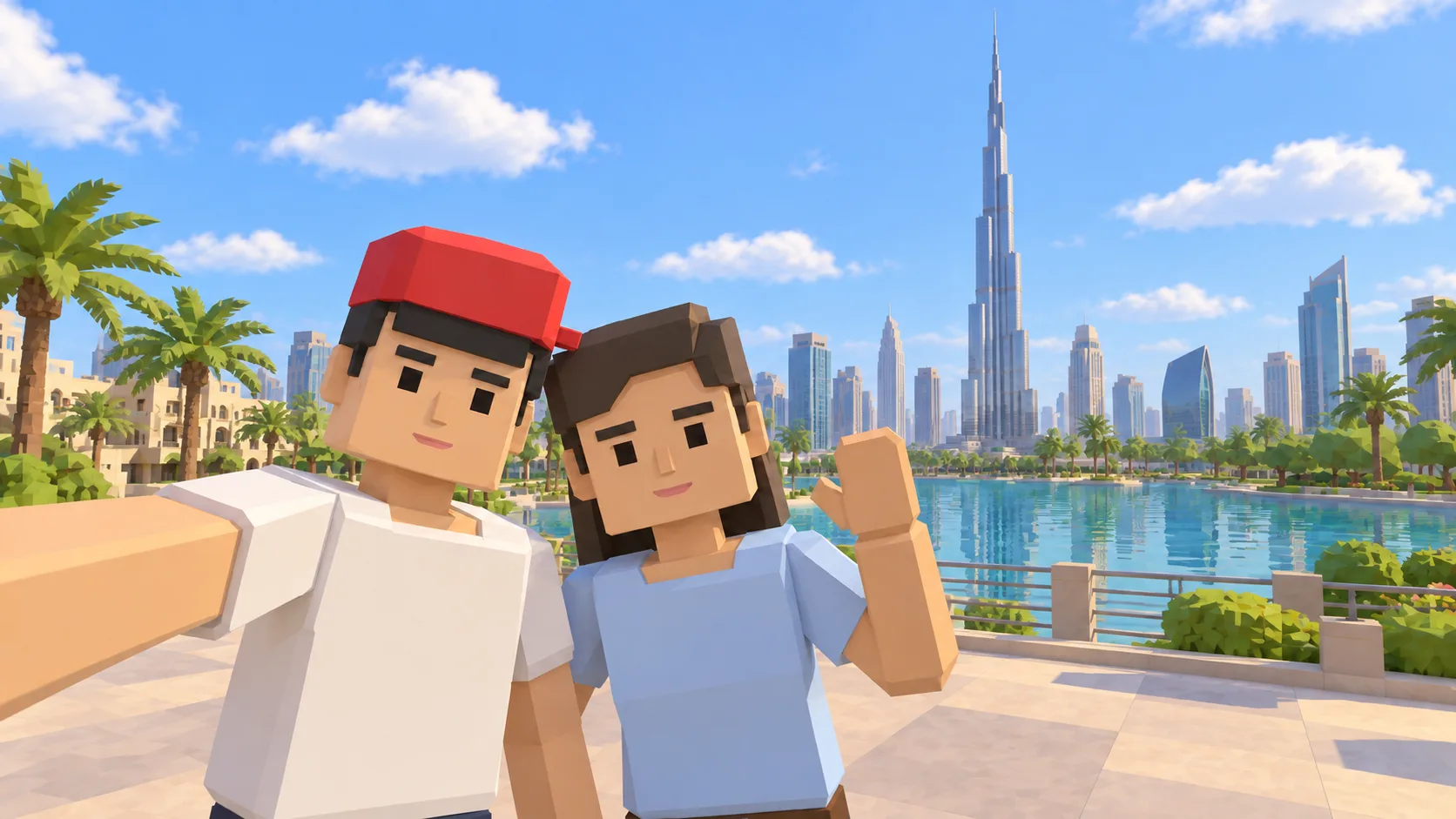
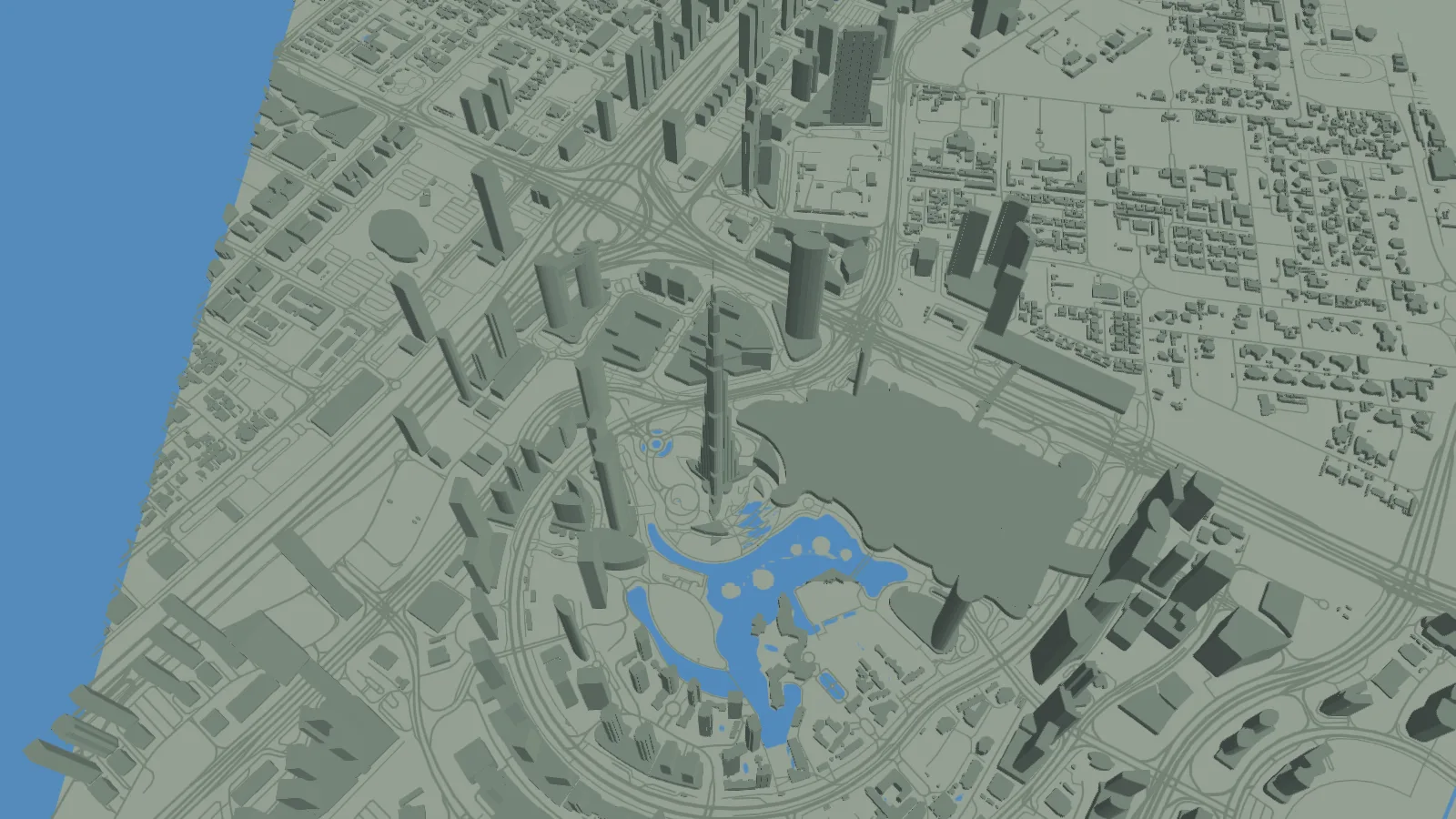
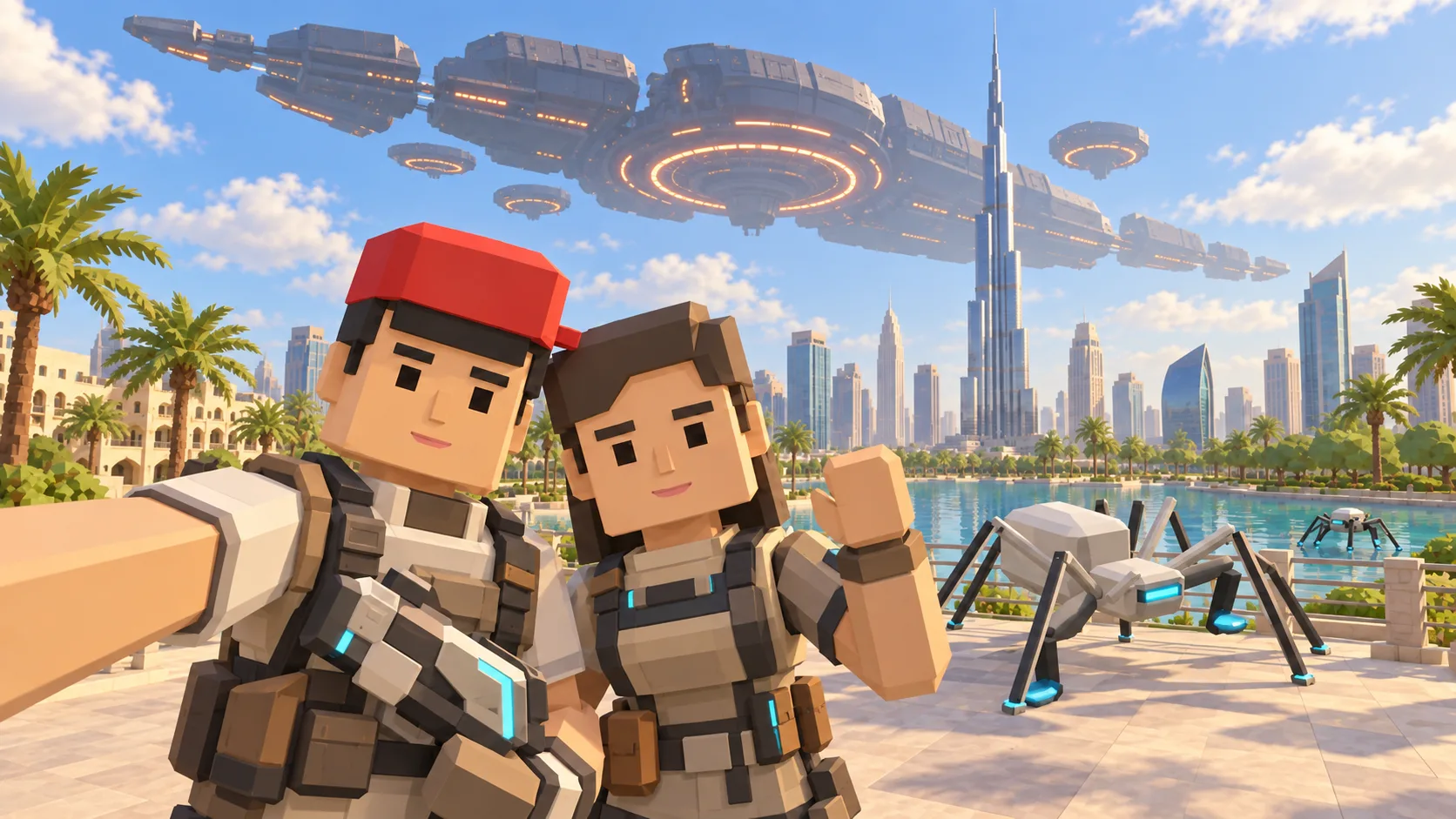
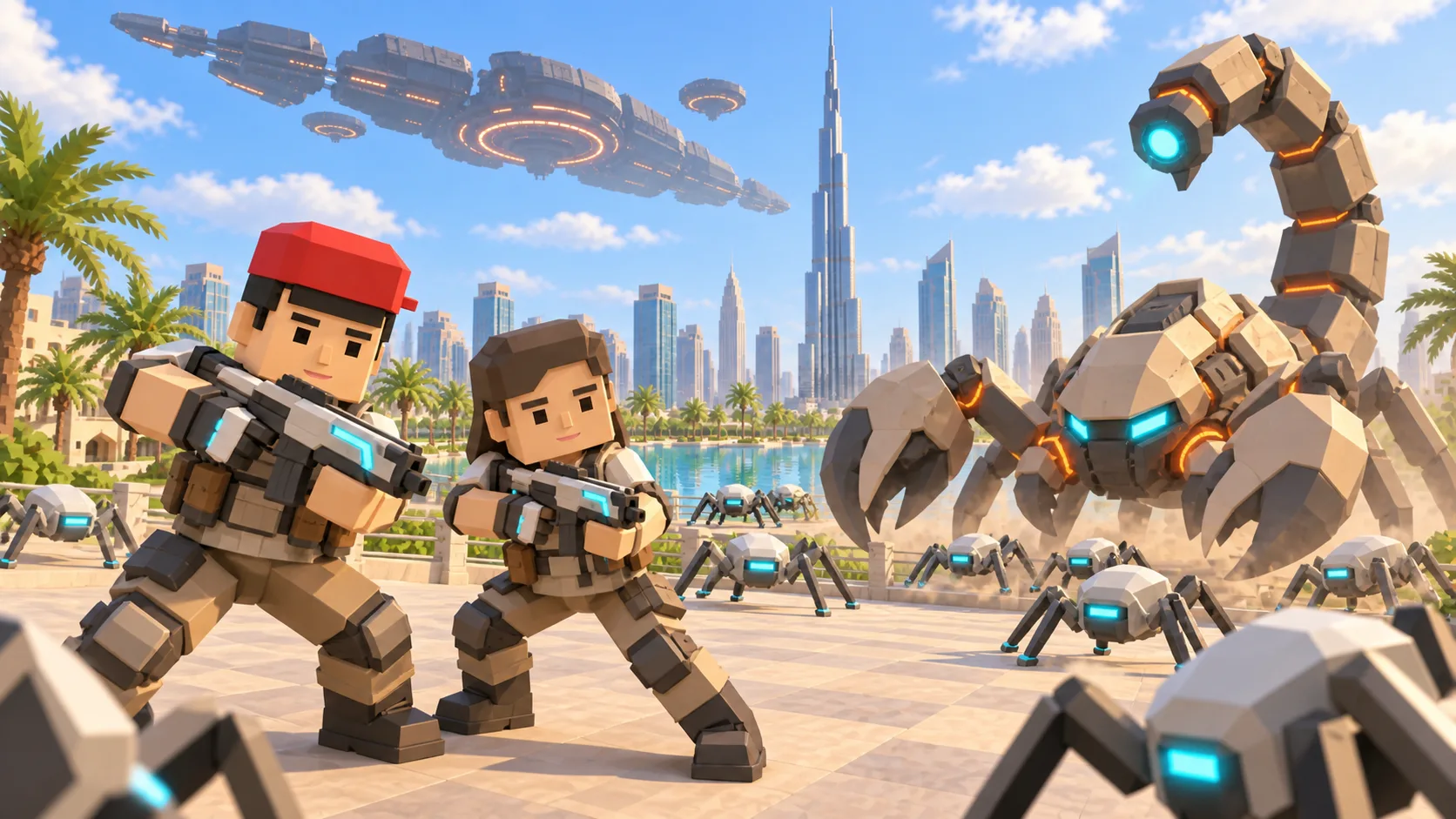
For Dubai, the gallery separates a friendly illustration, an actual SotiDo Globe capture, an Online lore illustration and a Waves illustration. The three illustrated scenes are not gameplay screenshots.
Explore Downtown Dubai and Burj Khalifa
The Dubai entry uses the Downtown and Burj Khalifa area. It aligns with a registered system-zone anchor, but only the live official directory can present Online Main as available.
- Use Burj Khalifa and the surrounding high-rise cluster to orient the view.
- Open directly at the local city scale used by the gallery capture.
- Choose an official system marker before entering Online Main.
A Dubai exploration game around Burj Khalifa
This Dubai game guide uses Burj Khalifa and Downtown Dubai as landmarks in SotiDo’s location-based 3D world. See the illustrated setting, actual Globe view and Waves encounter before opening the same city-center map position.
Circle Downtown Dubai from Burj Khalifa
Burj Khalifa and the dense Downtown cluster create a vertical and horizontal reference for this camera route. Start close, circle the surrounding blocks, and then widen along the boulevard-scale street geometry.
- Center the saved view on the Burj Khalifa area.
- Move around the Downtown blocks while keeping the tower cluster as the visual anchor.
- Increase camera distance to connect the landmark area with the wider road network.
Choose how to enter Dubai
At Dubai, Explore is designed for an open pass around the Downtown Dubai focus. Training and Waves become selectable only when the current area and device meet their Play requirements.
Dubai has a registered Downtown system-zone marker. The live directory must also report an available official room before Online Main appears.
Open the Dubai starting point
- Open the lightweight Dubai guide and review its four clearly labelled images.
- Choose “Open Dubai in SotiDo | Play” to load the Play globe at this location.
- For Dubai, select Explore, Training, Waves or Online from the Play controls; no mode starts automatically.
Dubai Play questions
Which Dubai area opens from this page?
The destination applies the saved Downtown Dubai coordinates around Burj Khalifa.
Does the Dubai illustration represent exact current geometry?
No. The selfie, Online lore and Waves images are labelled illustrations; the Globe image is the actual attributed capture.
Is the Dubai system zone always online?
No. Zone registration identifies the place, while the current official-room state is supplied separately inside Play.