Shanghai game
Explore Shanghai in SotiDo | Play
Preview the Bund and Pudong skyline, then open the SotiDo | Play globe over the Huangpu River at the registered camera position.
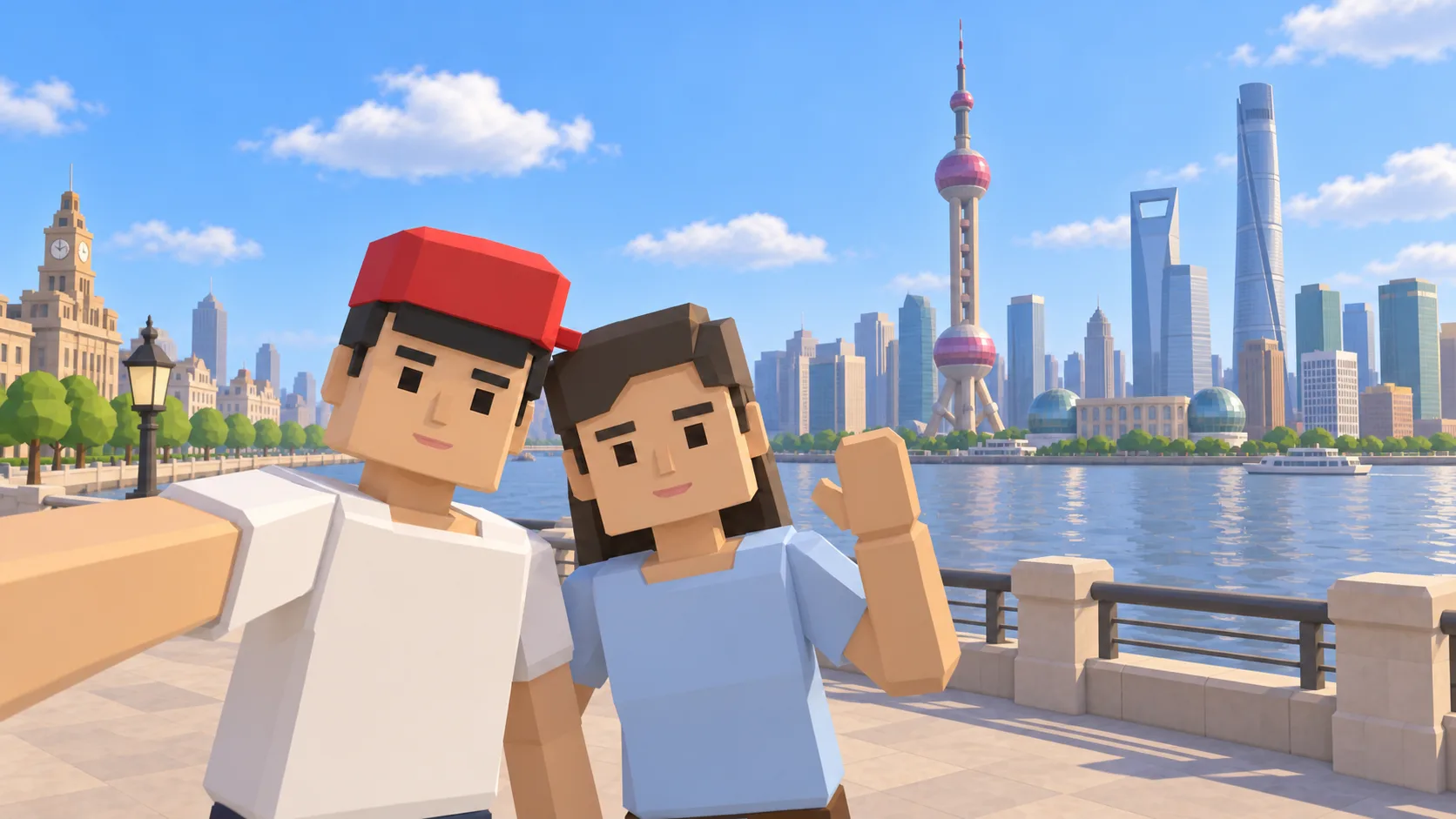
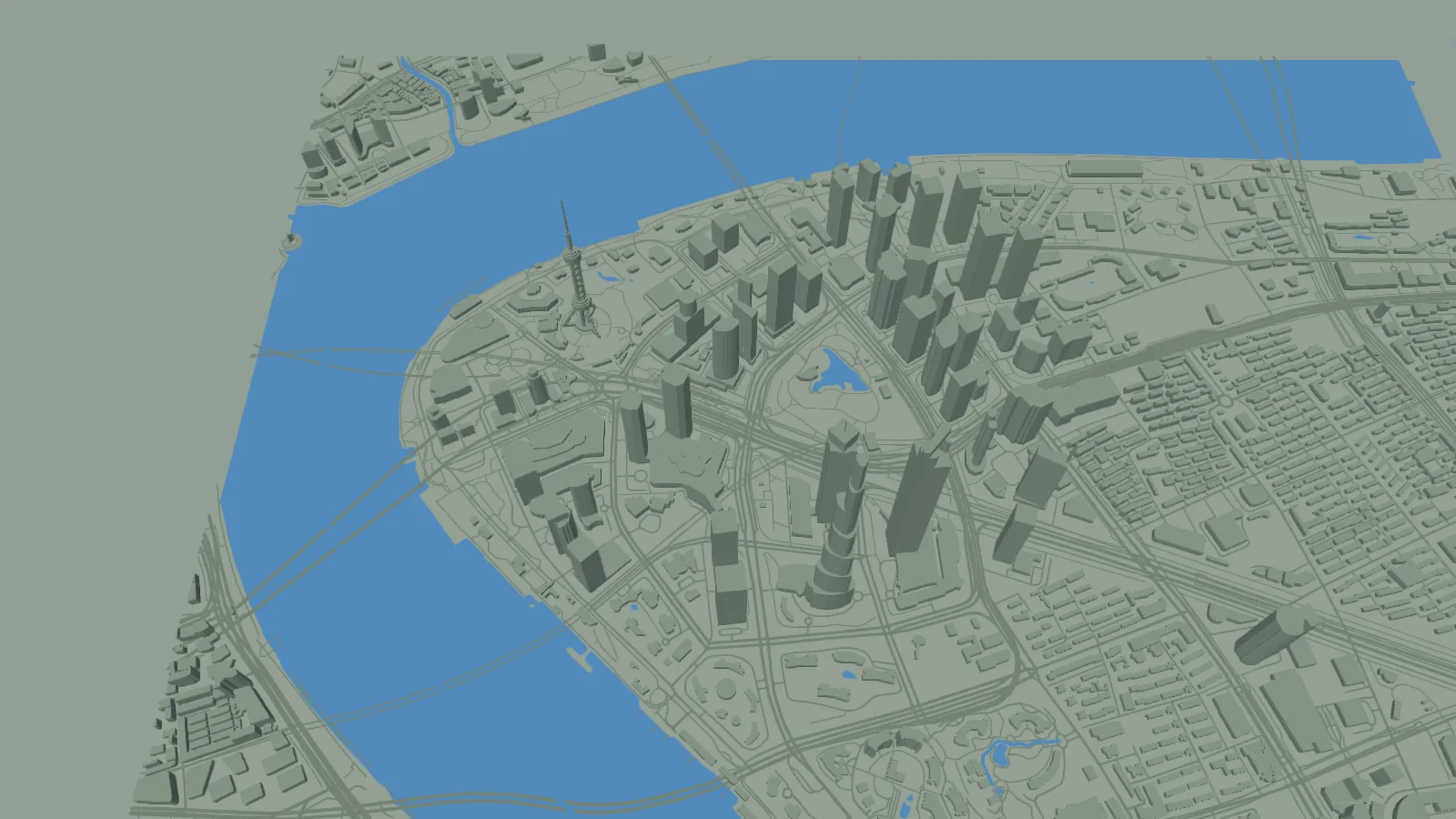
For Shanghai, the gallery separates a friendly illustration, an actual SotiDo Globe capture, an Online lore illustration and a Waves illustration. The three illustrated scenes are not gameplay screenshots.
Explore the Bund and Pudong skyline
The Shanghai destination faces Pudong from the Bund side of the Huangpu River. It is a stable geographic entry even when no official Online Main system zone is published for this view.
- Use the Huangpu River to orient the camera between the Bund and Pudong.
- Inspect the actual mapped building shapes shown in the second gallery image.
- Explore the local area without implying a live official multiplayer room.
A Shanghai exploration game across the Huangpu River
This Shanghai game guide frames the Bund and Pudong skyline inside SotiDo’s location-based 3D world. Compare the illustrated waterfront, actual Globe capture and Waves scene before opening the same Huangpu River map area.
Use the Huangpu River as the center line
The Huangpu separates the Bund from Pudong and keeps this Shanghai camera route understandable. Inspect one bank, cross the view to the other skyline, and then follow the river rather than moving without a landmark.
- Start with the river centered between the Bund and Pudong.
- Compare mapped building massing on both banks at the saved local zoom.
- Travel along the Huangpu before pulling back to a wider Shanghai view.
Choose how to enter Shanghai
At Shanghai, Explore lets the river guide a route between the Bund and Pudong. Play lists Training or Waves only if the current Shanghai area and renderer state satisfy those modes.
The Shanghai page does not register an official system zone or promise a multiplayer room. Only a marker and current official-room state inside Play can enable Online Main.
Open the Shanghai starting point
- Open the lightweight Shanghai guide and review its four clearly labelled images.
- Choose “Open Shanghai in SotiDo | Play” to load the Play globe at this location.
- For Shanghai, select Explore, Training, Waves or Online from the Play controls; no mode starts automatically.
Shanghai Play questions
What keeps the Shanghai camera oriented?
The Huangpu River is the main reference, with the Bund and Pudong on opposite sides.
Does the illustrated Shanghai skyline define the actual map?
No. The selfie, Online lore and Waves scenes are promotional illustrations; use the attributed Globe image to inspect the real browser capture.
Is Online Main available for Shanghai from this page?
The page does not declare a system zone. Play must publish a marker and an available room before Online can be offered.