Seoul game
Explore Seoul in SotiDo | Play
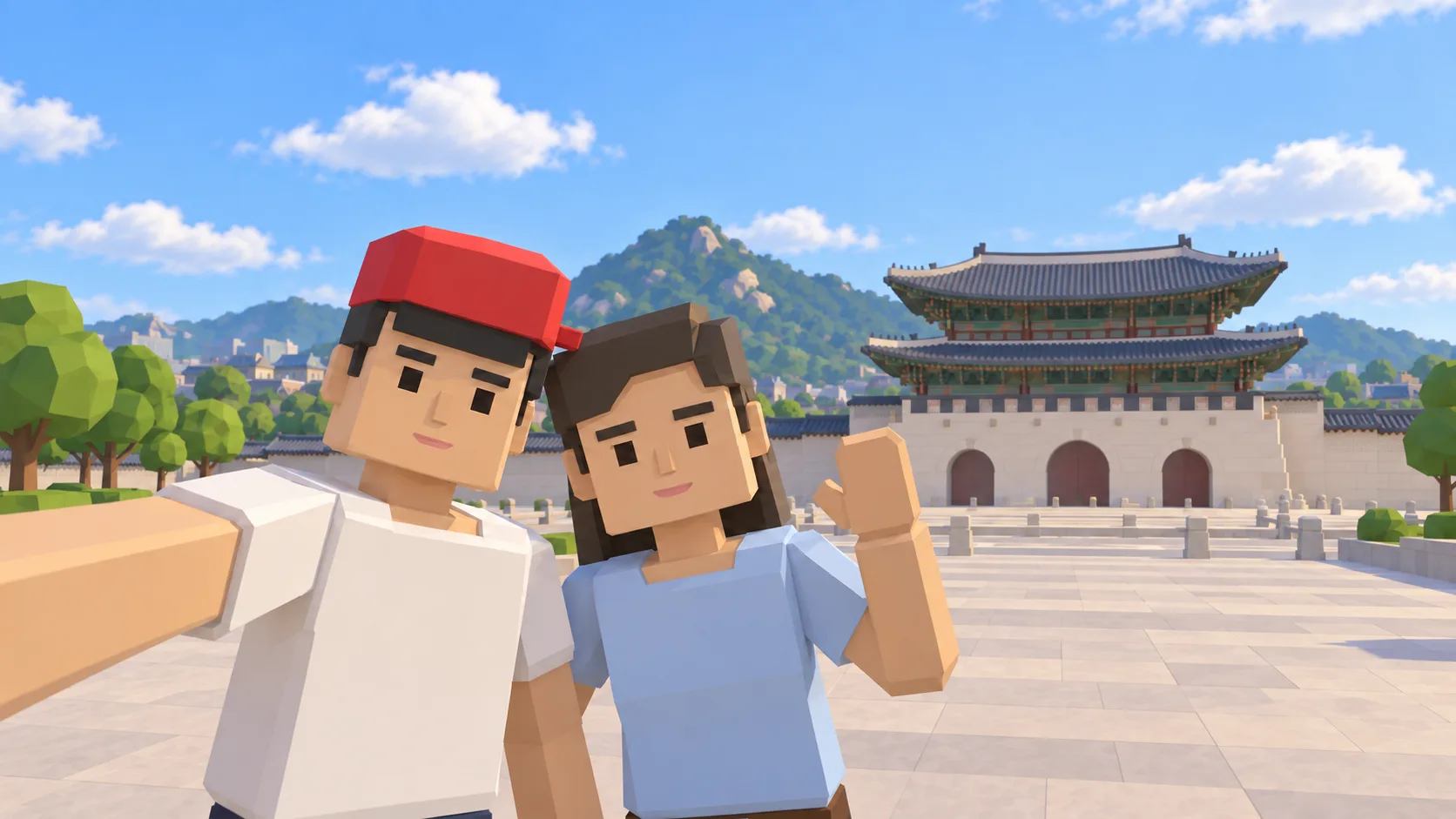
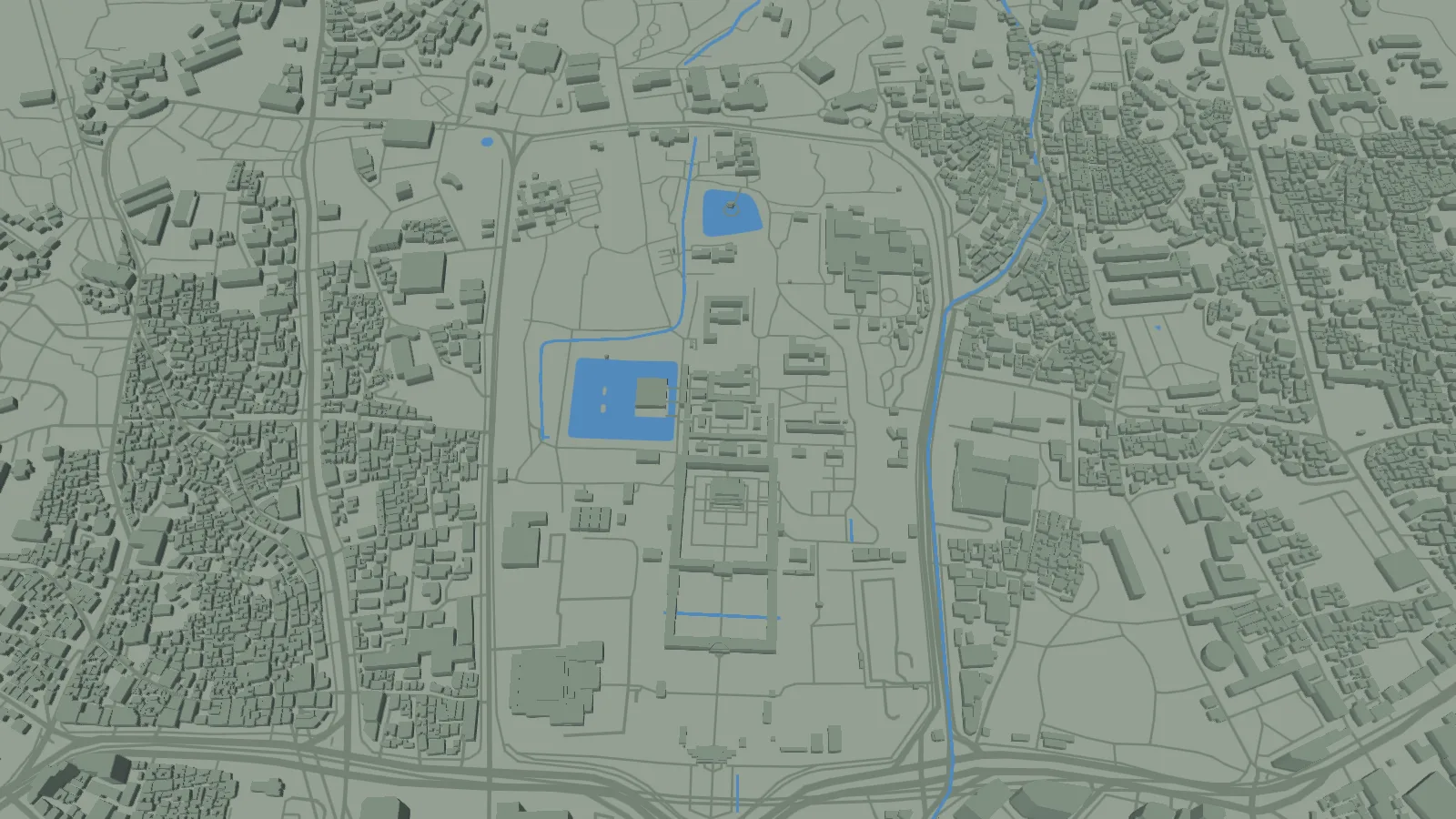
See the Gyeongbokgung area in the illustrated scene and actual Globe capture, then enter SotiDo | Play at central Seoul.
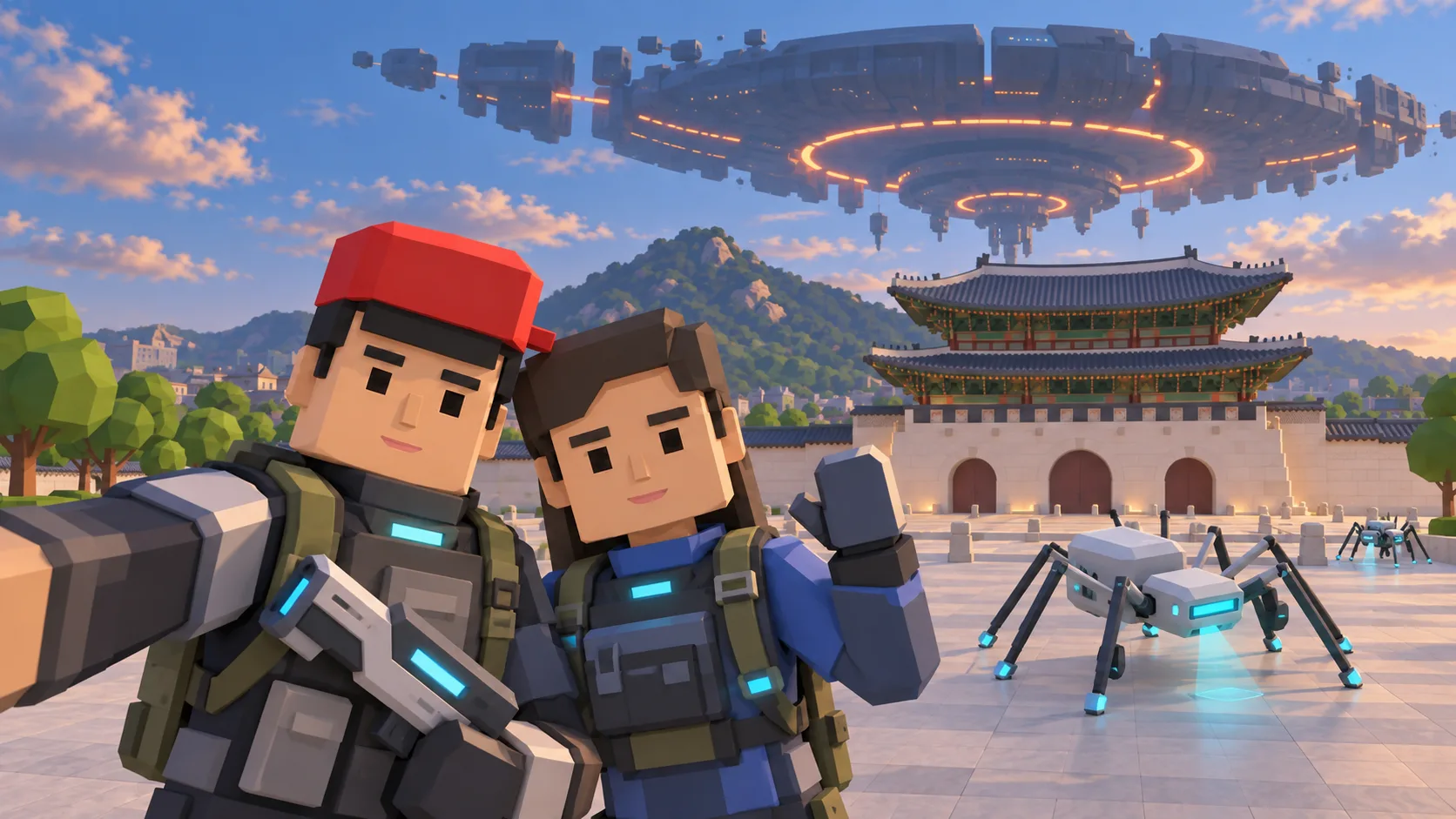
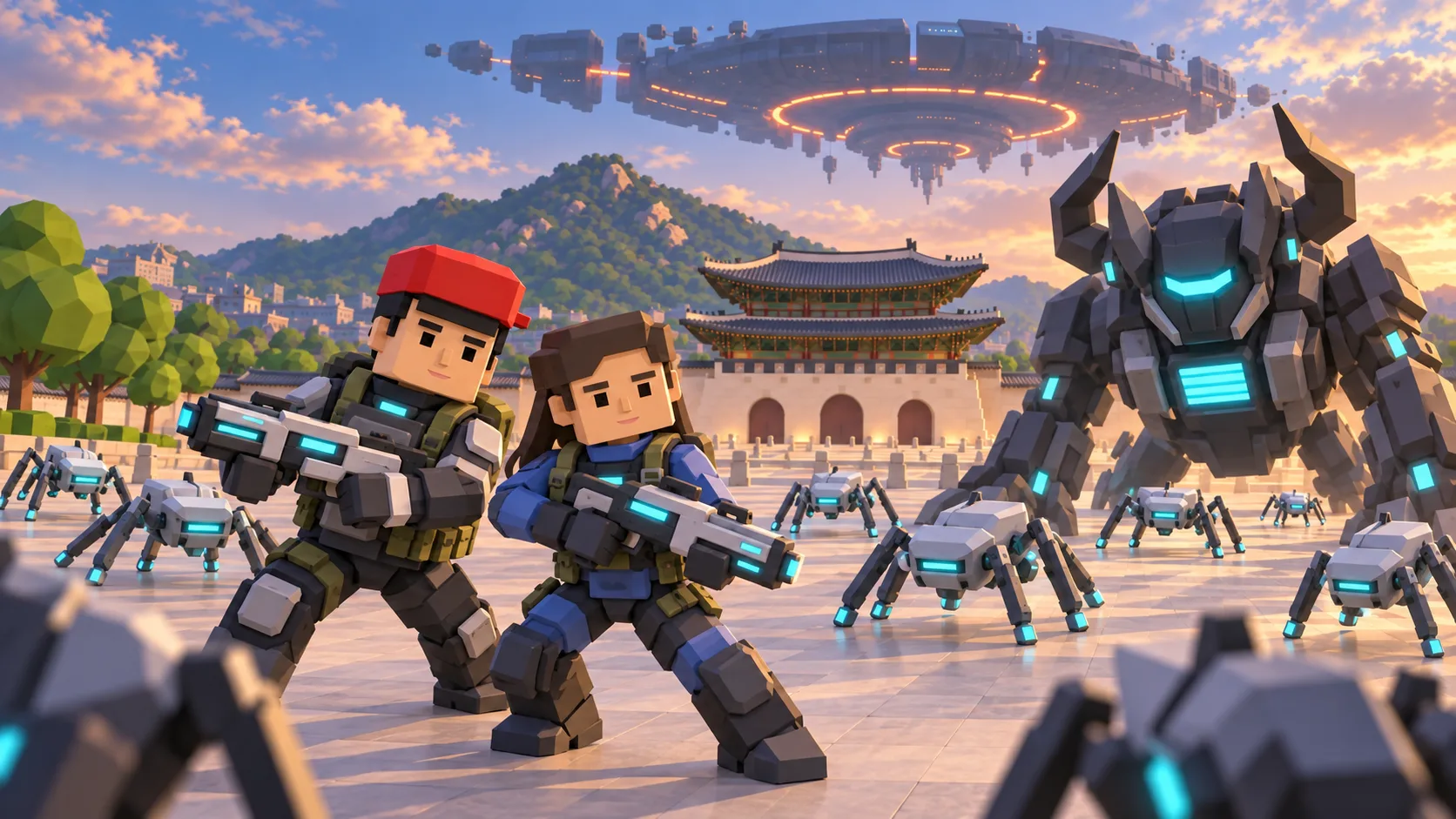
For Seoul, the gallery separates a friendly illustration, an actual SotiDo Globe capture, an Online lore illustration and a Waves illustration. The three illustrated scenes are not gameplay screenshots.
Explore Gyeongbokgung and Gwanghwamun
The Seoul camera begins around Gyeongbokgung and Gwanghwamun. This geographic destination remains useful independently of whether an official Online Main zone exists there.
- Use the palace grounds and broad central avenues as landmarks.
- Enter at a useful local zoom and continue through the mapped city.
- Rely on the Play controls for current mode and server availability.
A Seoul exploration game from Gyeongbokgung to Gwanghwamun
This Seoul game guide places Gyeongbokgung and Gwanghwamun on SotiDo’s real-world 3D map. The gallery provides recognizable city context before the launch action focuses the matching Seoul area for local game modes.
Move from Gyeongbokgung through central Seoul
The palace grounds and broad avenue south of Gwanghwamun make a clear orientation sequence. Begin with the enclosed palace footprint, move toward the gate, and then extend the view along the central avenues.
- Start over the Gyeongbokgung grounds at the destination’s stored zoom.
- Move toward Gwanghwamun while keeping the palace footprint behind the camera path.
- Follow the broad central avenue before pulling back to see more of Seoul.
Choose how to enter Seoul
At Seoul, Explore supports a gradual route from the palace grounds into central Seoul. Training or Waves appear only if Play reports support for the current area and device.
This Seoul guide defines a camera destination but no official system-zone reference. Online Main remains unavailable unless Play publishes a marker with a current official room.
Open the Seoul starting point
- Open the lightweight Seoul guide and review its four clearly labelled images.
- Choose “Open Seoul in SotiDo | Play” to load the Play globe at this location.
- For Seoul, select Explore, Training, Waves or Online from the Play controls; no mode starts automatically.
Seoul Play questions
Where does the Seoul link set the camera?
It focuses on the Gyeongbokgung area in central Seoul using the coordinates stored for this destination.
Can I verify the Seoul map view before entering?
Yes. The Globe image is an actual SotiDo browser capture; the selfie, Online lore and Waves images are clearly identified illustrations.
Does this page claim a Seoul multiplayer server?
No. It has no system-zone reference and leaves Online Main status entirely to the current Play directory.