Tokyo game
Explore Tokyo in SotiDo | Play
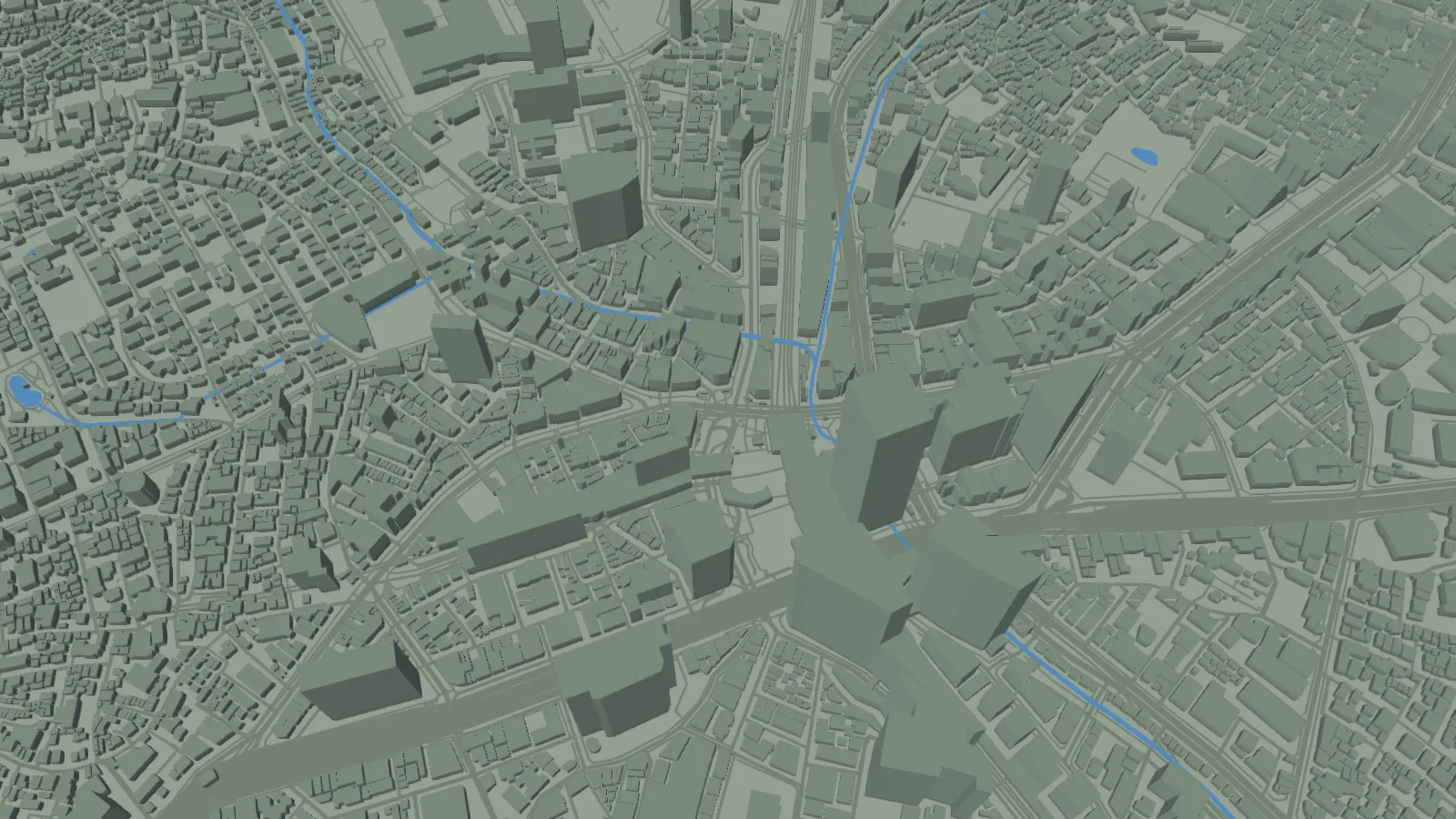
Start at Shibuya Crossing, see how the area appears on the real SotiDo Globe, and open Tokyo with the Play camera already focused.
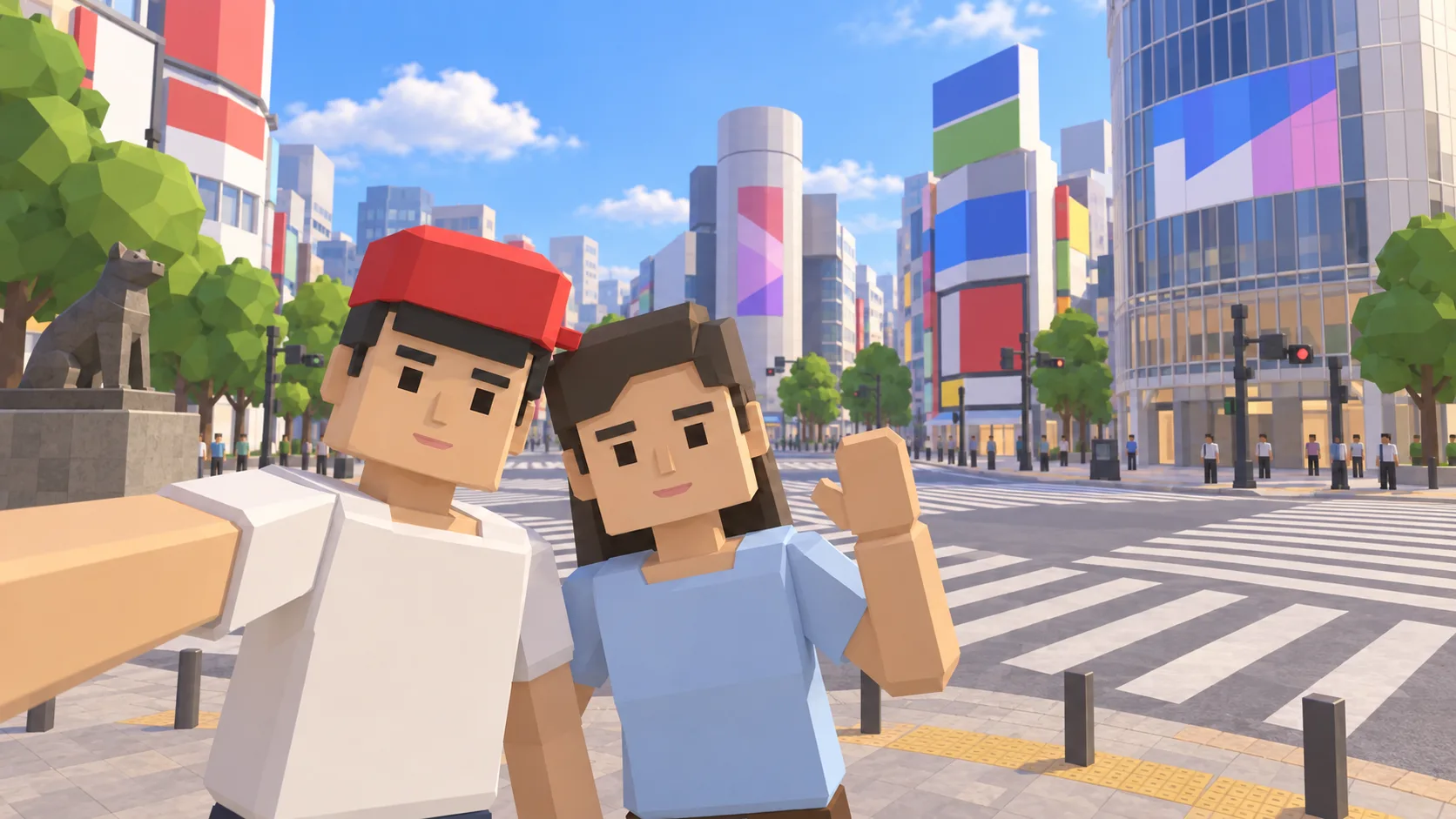
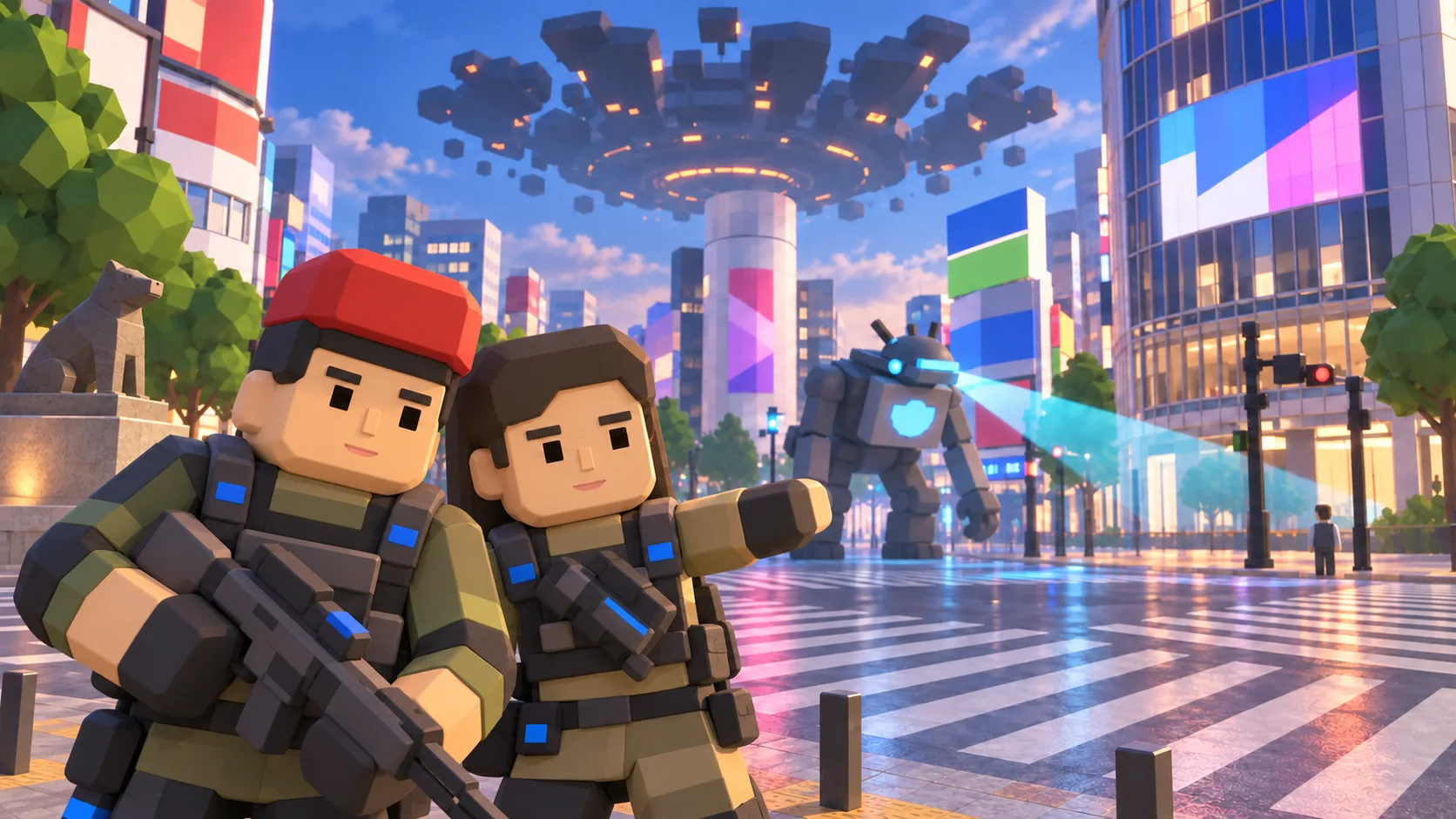
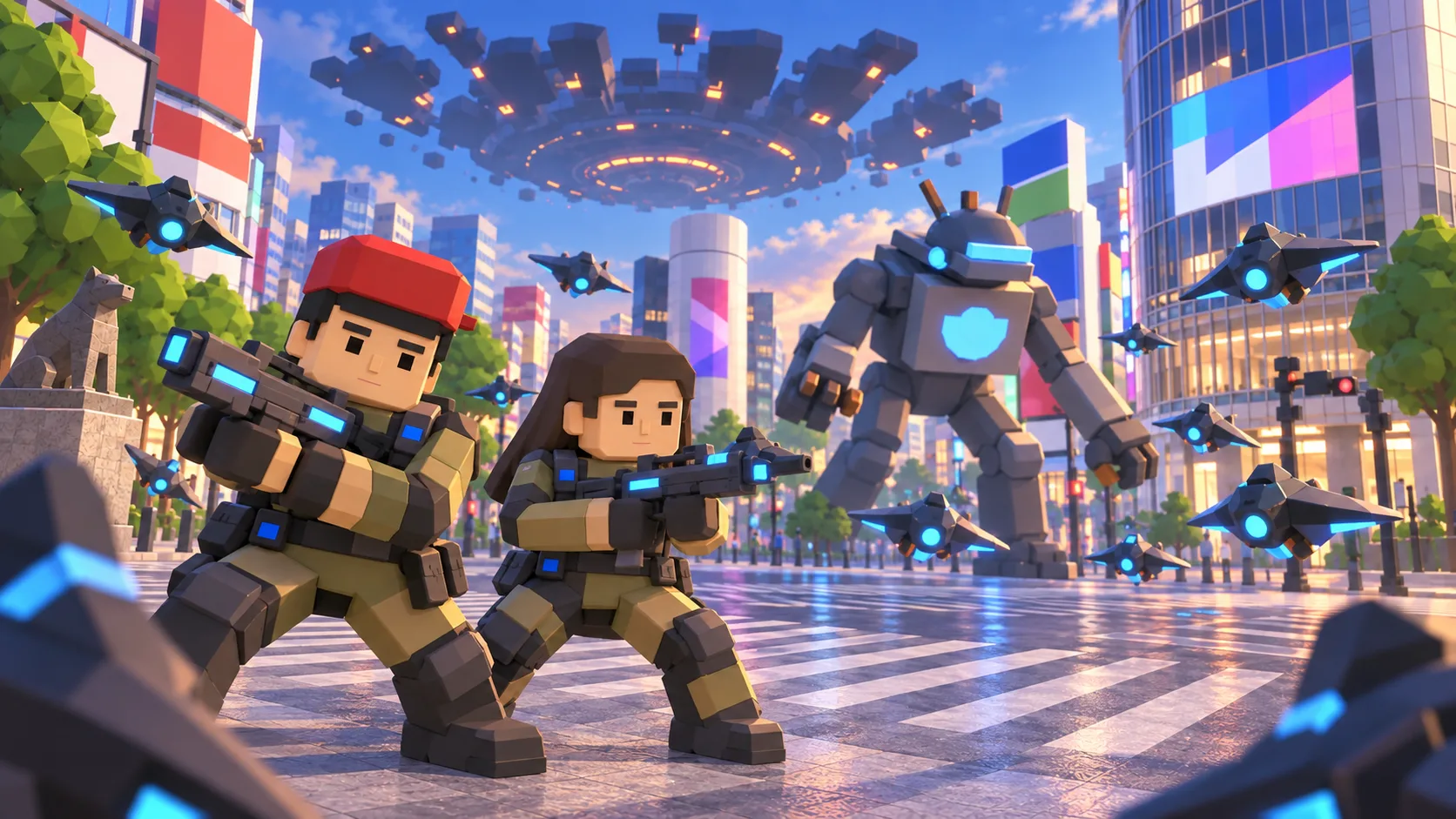
For Tokyo, the gallery separates a friendly illustration, an actual SotiDo Globe capture, an Online lore illustration and a Waves illustration. The three illustrated scenes are not gameplay screenshots.
Explore Shibuya Crossing
Tokyo opens at Shibuya Crossing, the same anchor used by the registered Tokyo system zone. The page does not assume that an Online room is live; the Play directory reports that when the globe opens.
- Use the crossing and surrounding building massing to recognize Shibuya.
- Enter the local area for compatible Explore, Training or Waves choices.
- Choose the official Tokyo marker when Online Main is currently published and available.
A Tokyo exploration game on a real-world 3D map
This Tokyo game guide connects Shibuya Crossing with SotiDo’s location-based 3D world. Preview the landmark, compare the illustrated scene with the actual Globe capture, and open the same map position; Online Main appears only while the published Tokyo zone is available.
Read Shibuya from the crossing outward
The Tokyo camera starts at Shibuya Crossing. Keep the junction near the center while you inspect the station-side blocks, then pull back to understand how this dense starting area sits within the wider city.
- Locate the diagonal pedestrian crossings at the initial focus.
- Move across the surrounding Shibuya street blocks while keeping the junction as your reference.
- Increase the camera distance only after the crossing is easy to recognize.
Choose how to enter Tokyo
At Tokyo, Explore supports an unhurried pass around Shibuya. If Training or Waves are compatible with the current renderer and area, they are offered in the same entry controls; none is chosen on your behalf.
Tokyo has a published Shibuya system-zone marker. Online Main still requires a currently available official room reported for that exact marker.
Open the Tokyo starting point
- Open the lightweight Tokyo guide and review its four clearly labelled images.
- Choose “Open Tokyo in SotiDo | Play” to load the Play globe at this location.
- For Tokyo, select Explore, Training, Waves or Online from the Play controls; no mode starts automatically.
Tokyo Play questions
Which part of Tokyo opens first?
The link places the camera over Shibuya Crossing at the coordinates stored for this destination.
Are all four Tokyo gallery images gameplay captures?
Only the Globe image is an actual SotiDo browser capture. The selfie, Online lore and Waves scenes are clearly labelled illustrations.
Can the Tokyo page promise multiplayer availability?
No. It can identify the published Shibuya zone, but only the live Play directory can report an available official room.