Singapore game
Explore Singapore in SotiDo | Play
Preview Marina Bay through an illustrated scene and an actual SotiDo Globe capture, then open the Play camera at the registered Singapore starting area.
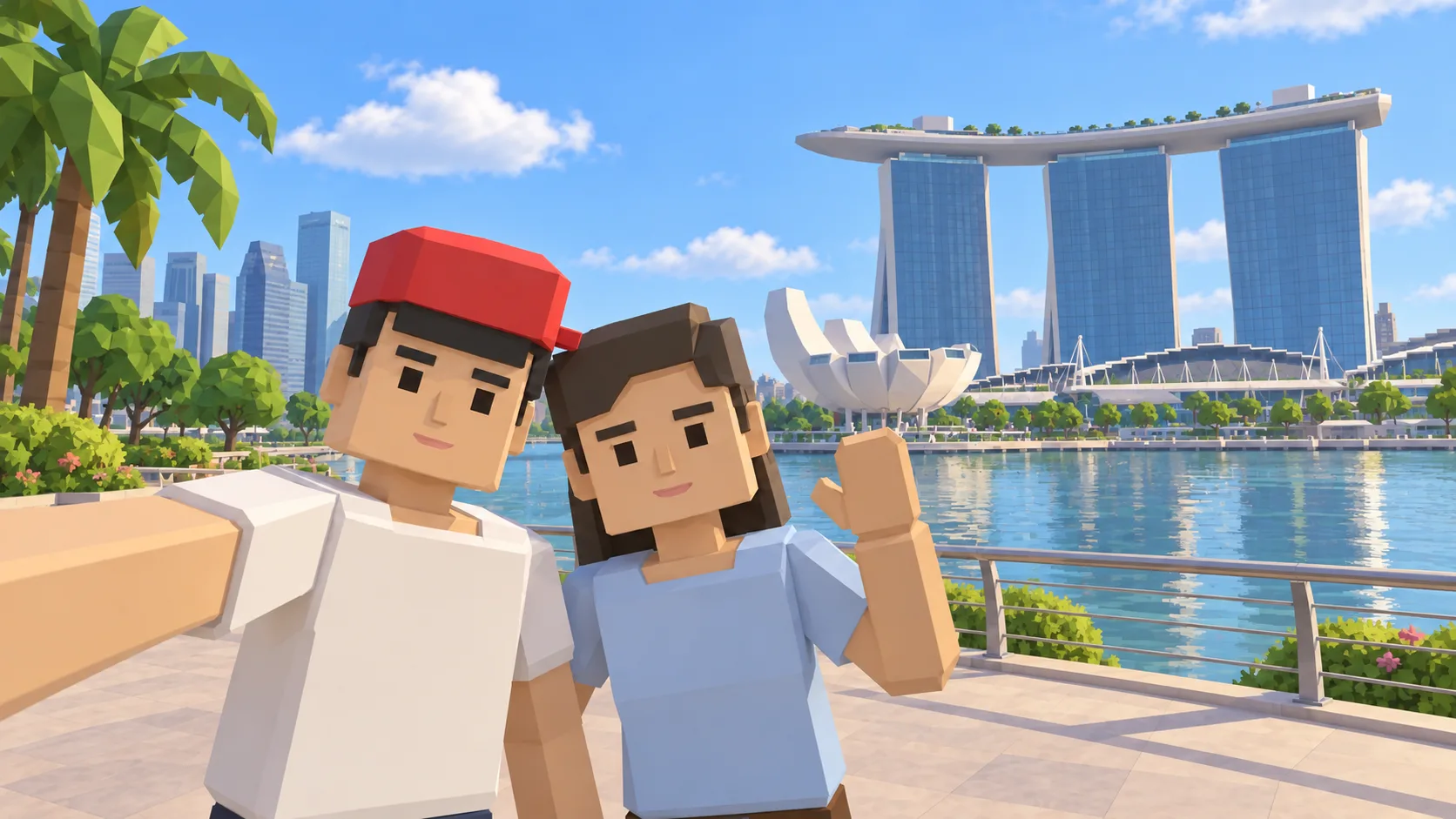
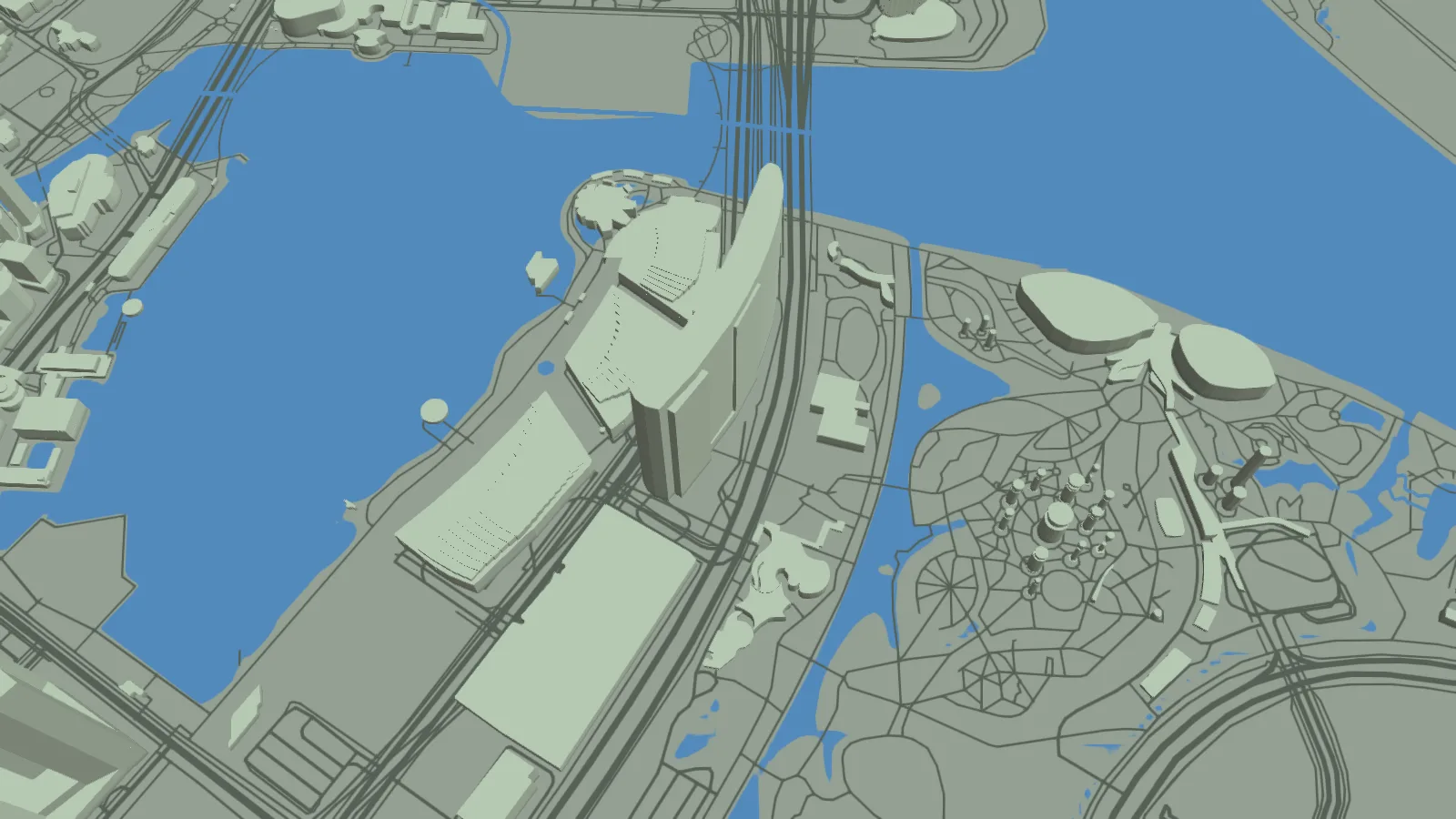
For Singapore, the gallery separates a friendly illustration, an actual SotiDo Globe capture, an Online lore illustration and a Waves illustration. The three illustrated scenes are not gameplay screenshots.
Explore Marina Bay
The Singapore entry centers on Marina Bay, the same anchor used by the registered Singapore system zone. The guide stays independent from the live room directory, so it remains accurate when Online availability changes.
- Open directly around Marina Bay and its dense waterfront geometry.
- Compare the illustrative landmark scene with the actual browser-rendered Globe.
- Use the Play controls to choose a compatible local mode or a published Online room.
A Singapore exploration game around Marina Bay
This Singapore game guide places Marina Bay on SotiDo’s real-world 3D map. The gallery gives visual context before launch, while the direct action opens the same location; Online Main remains tied to the published Singapore zone rather than being promised permanently.
Follow the Marina Bay waterfront
Start with the curve of Marina Bay as the main visual guide. Trace the dense waterfront blocks, compare both sides of the bay, and then widen the camera to connect the starting point with central Singapore.
- Center the camera on the Marina Bay shoreline shown in the capture.
- Follow the water edge and nearby building footprints before changing zoom.
- Pull back toward the Downtown Core while keeping the bay visible.
Choose how to enter Singapore
At Singapore, Explore works well for reading the waterfront geometry around Marina Bay. Training and Waves remain conditional choices shown by Play only when the device and area are ready for them.
Singapore is registered as a Marina Bay system zone. The Online Main control is present only when the live directory reports an available official room for it.
Open the Singapore starting point
- Open the lightweight Singapore guide and review its four clearly labelled images.
- Choose “Open Singapore in SotiDo | Play” to load the Play globe at Marina Bay.
- For Singapore, select Explore, Training, Waves or Online from the Play controls; no mode starts automatically.
Singapore Play questions
Where does the Singapore destination begin?
It opens the normal Play globe around Marina Bay using the camera coordinates recorded on this guide.
What is real in the Singapore gallery?
The central image is a browser-rendered SotiDo Globe capture with OpenStreetMap attribution; the other two are labelled illustrations.
Is the Singapore Online room always open?
No. Registration of the zone and live room availability are separate, and the Play directory supplies the current state.